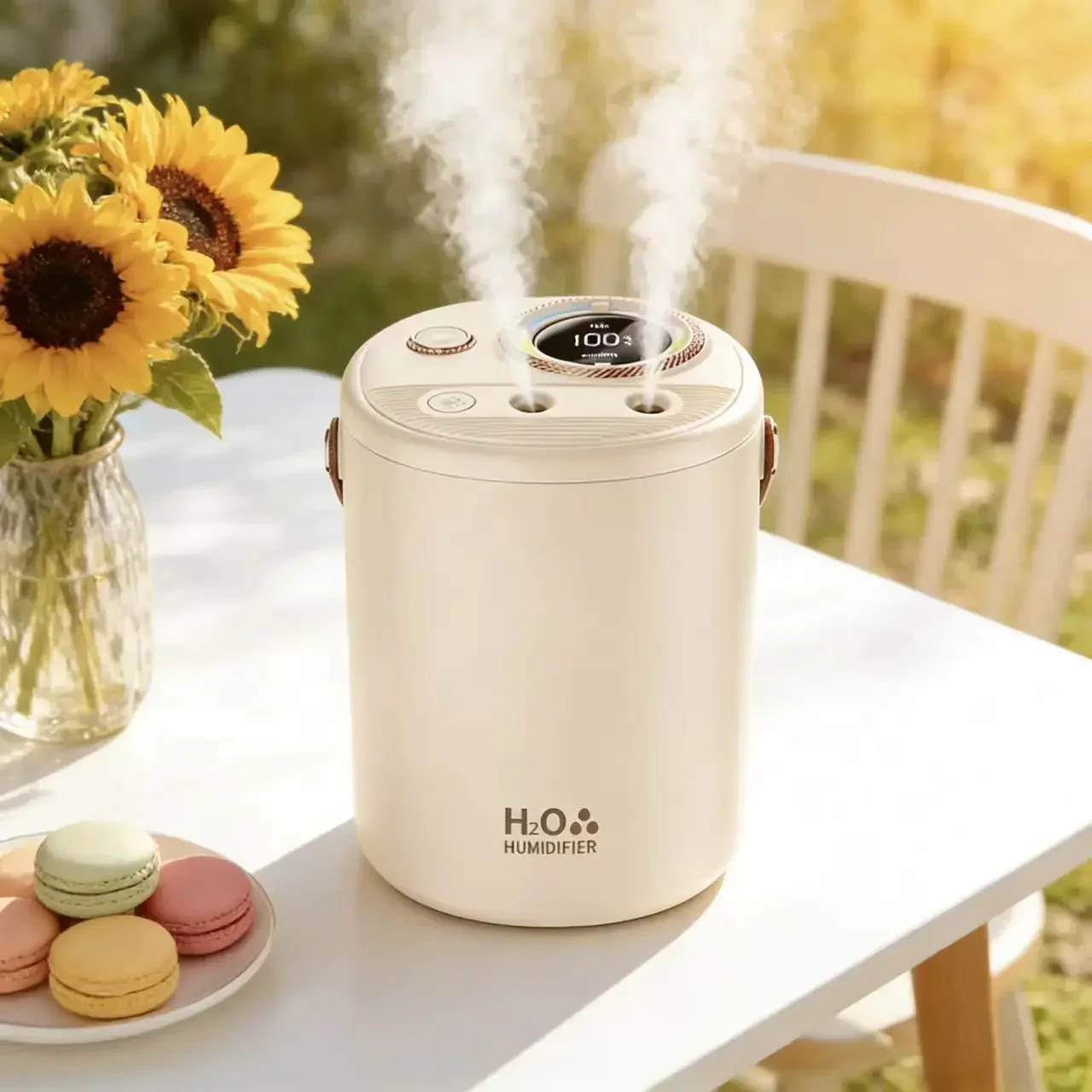
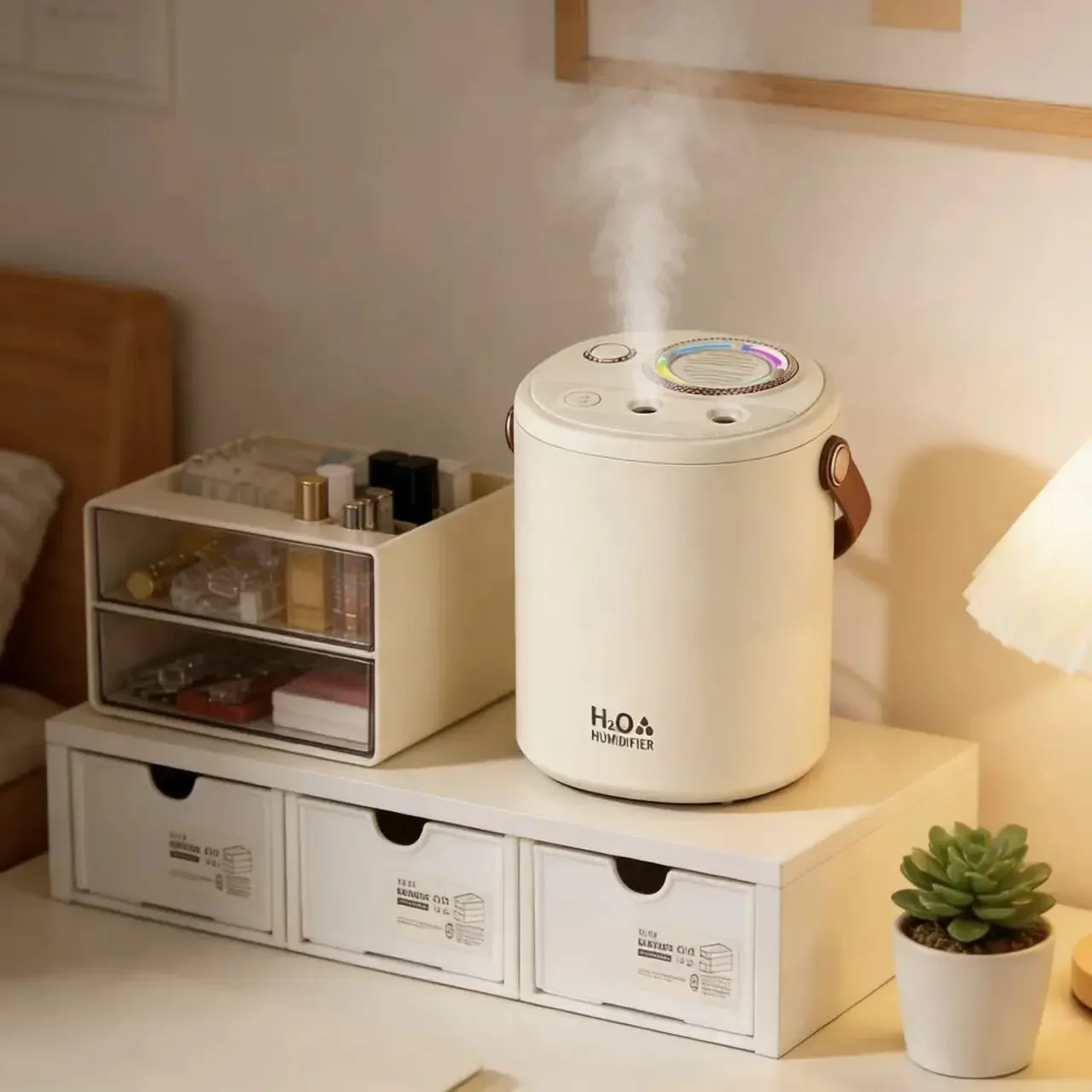
Description
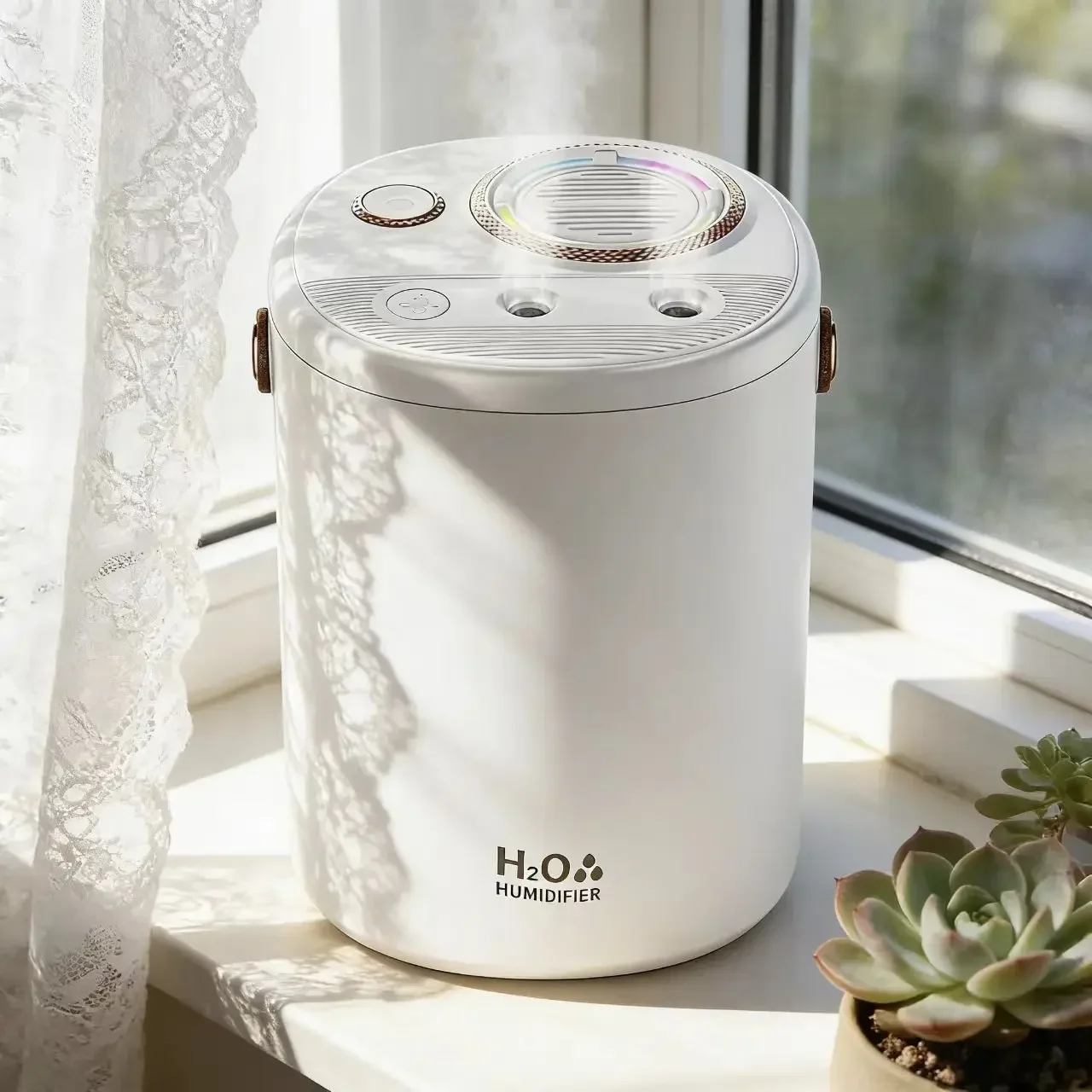
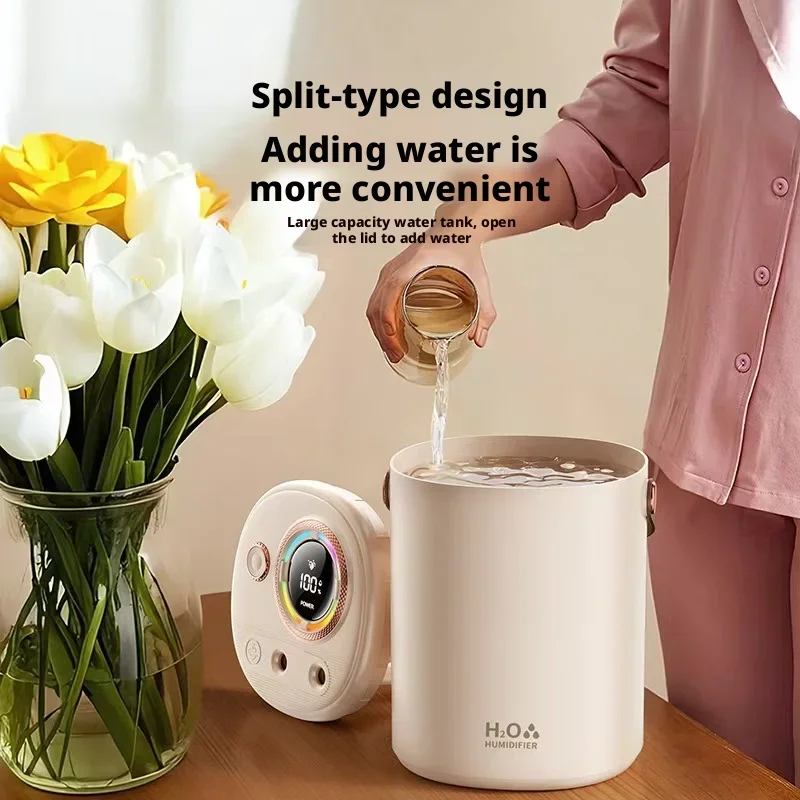
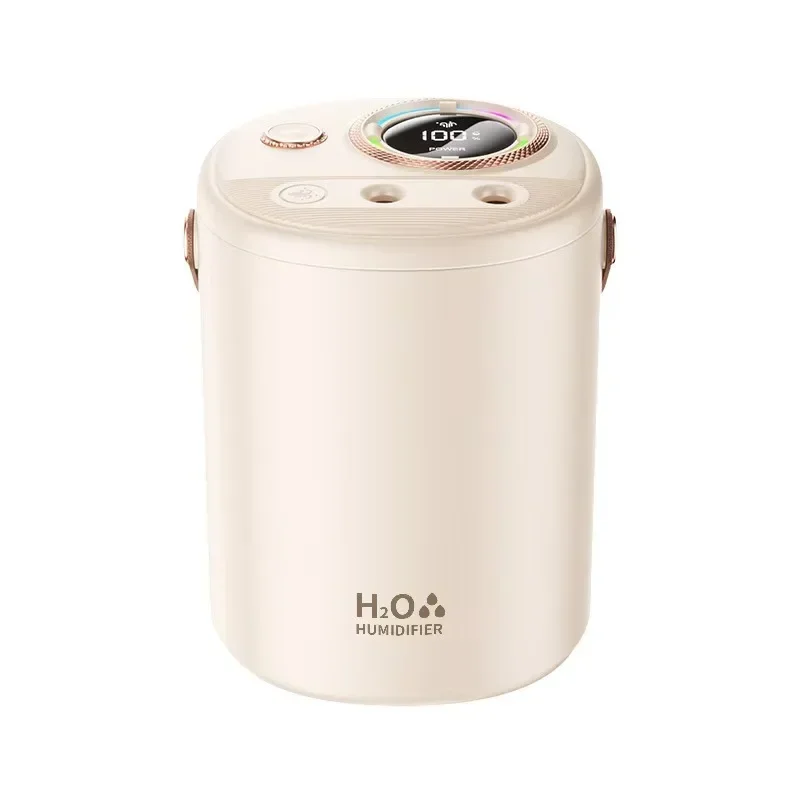
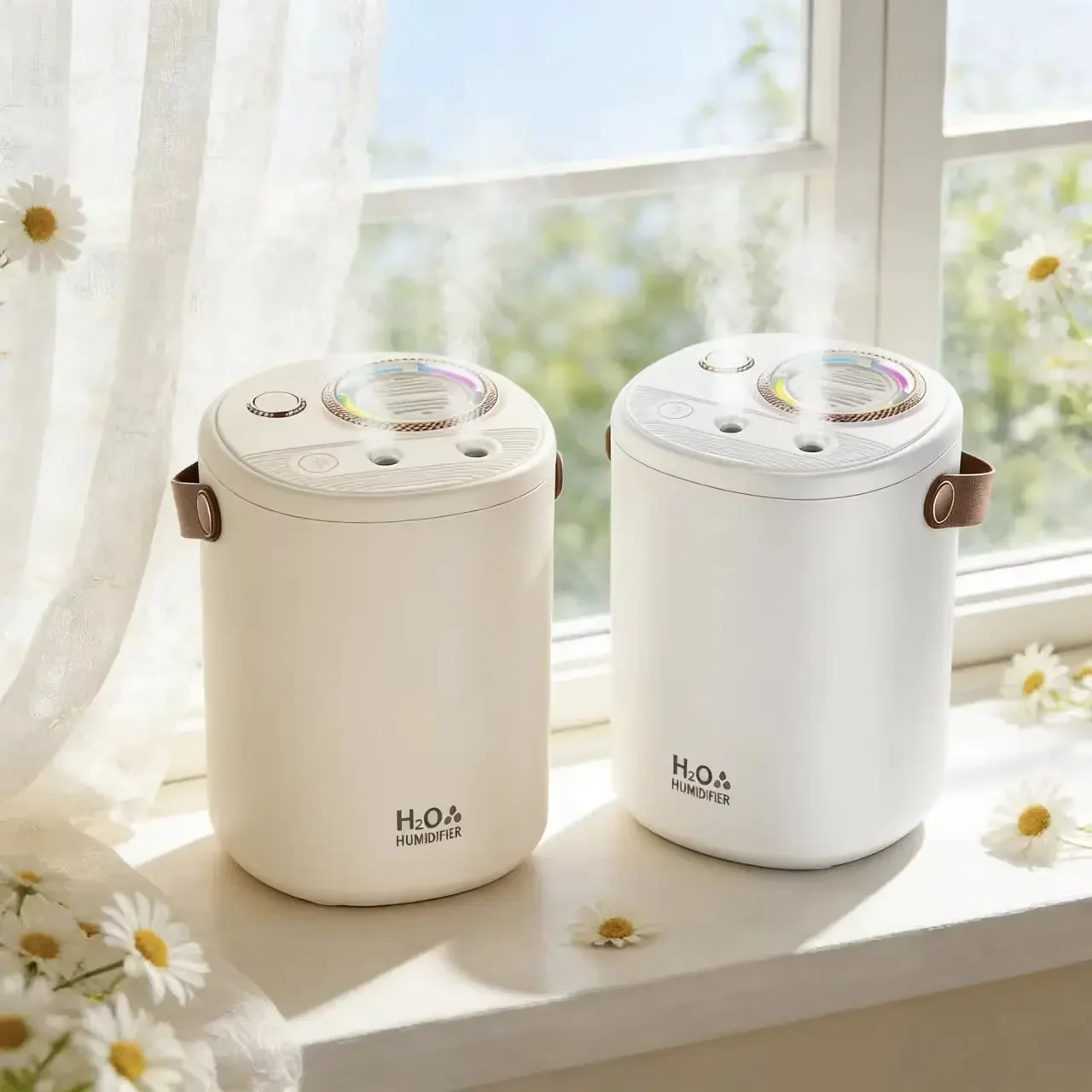
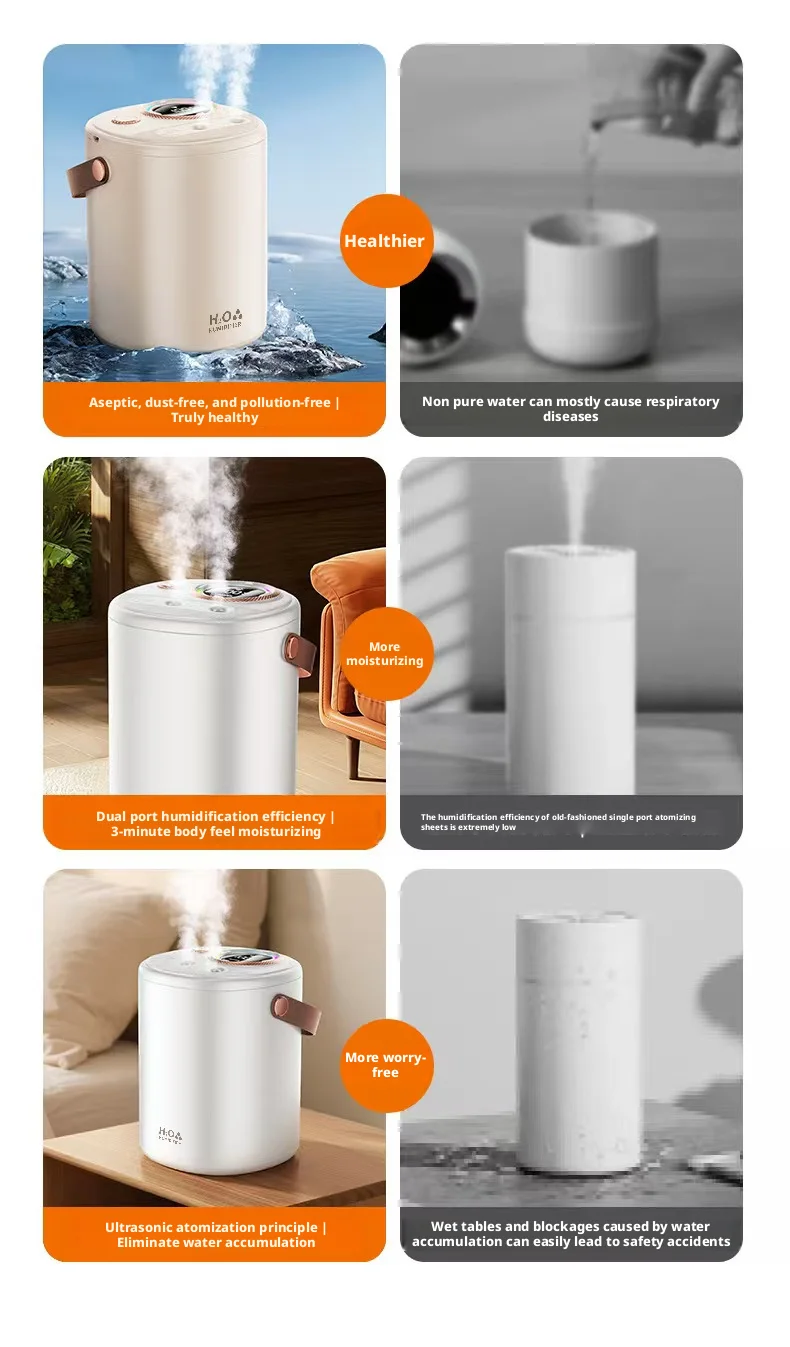
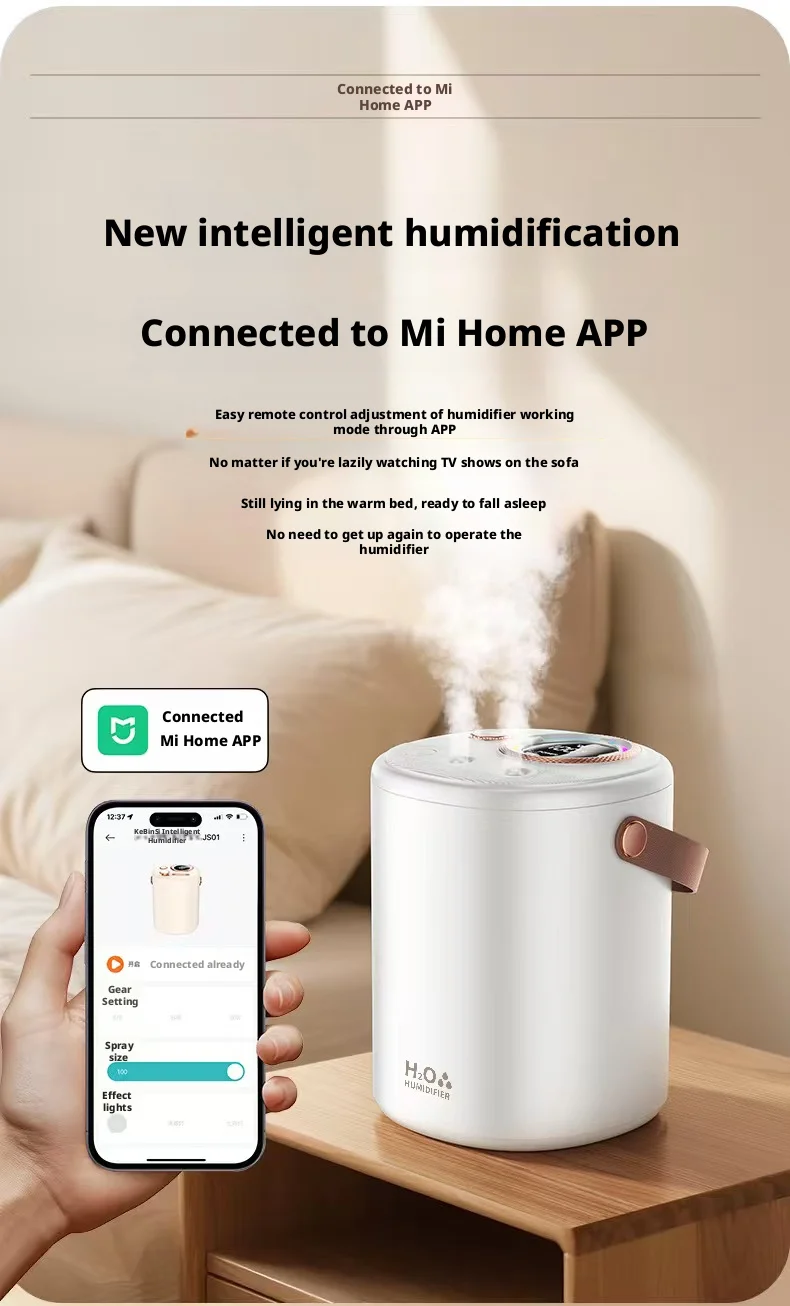
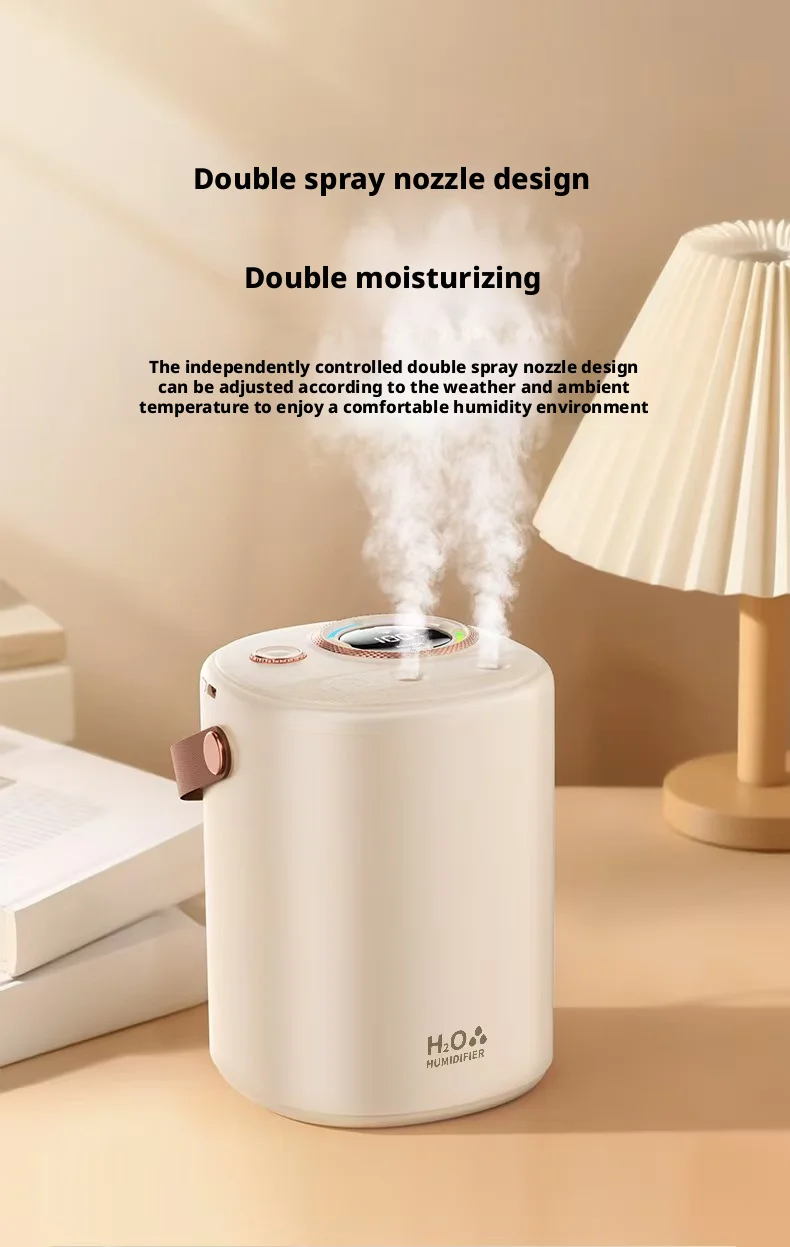
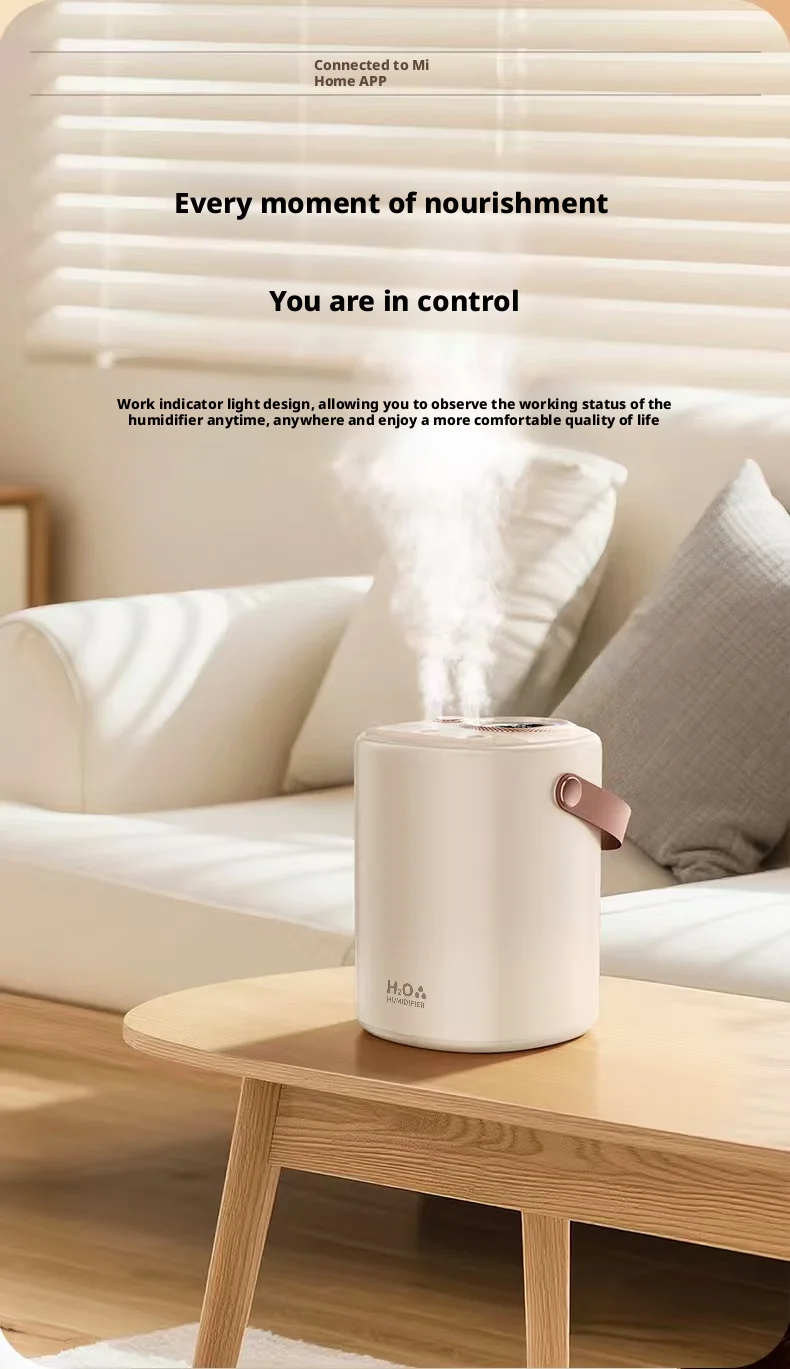
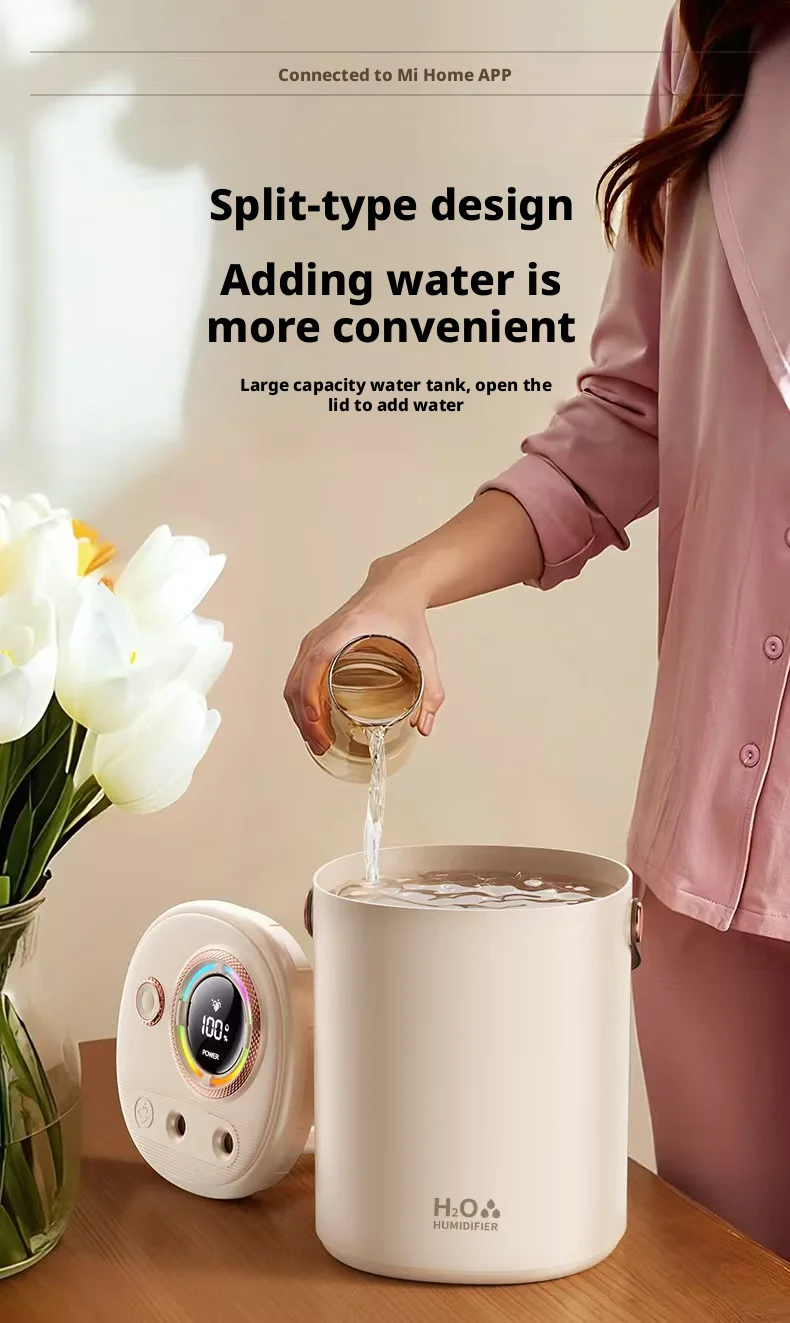
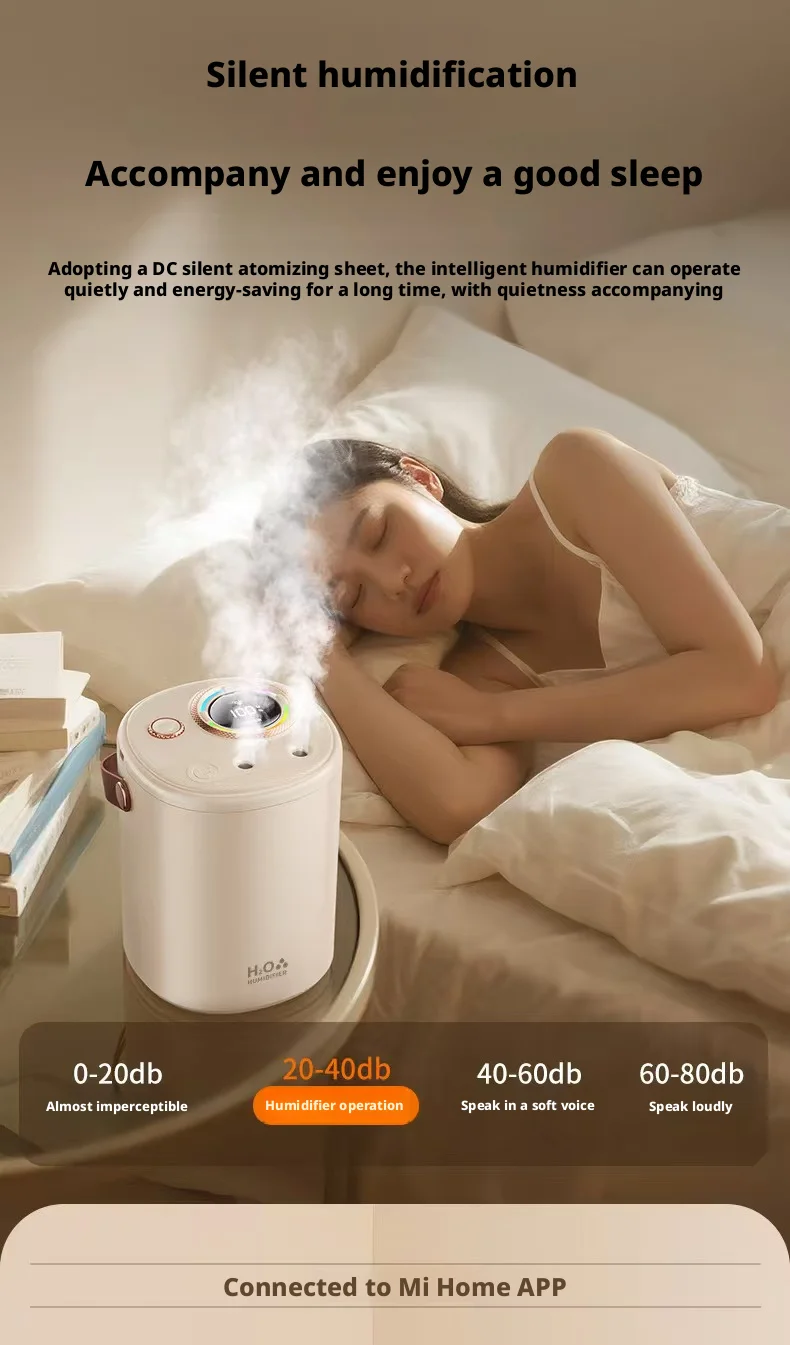
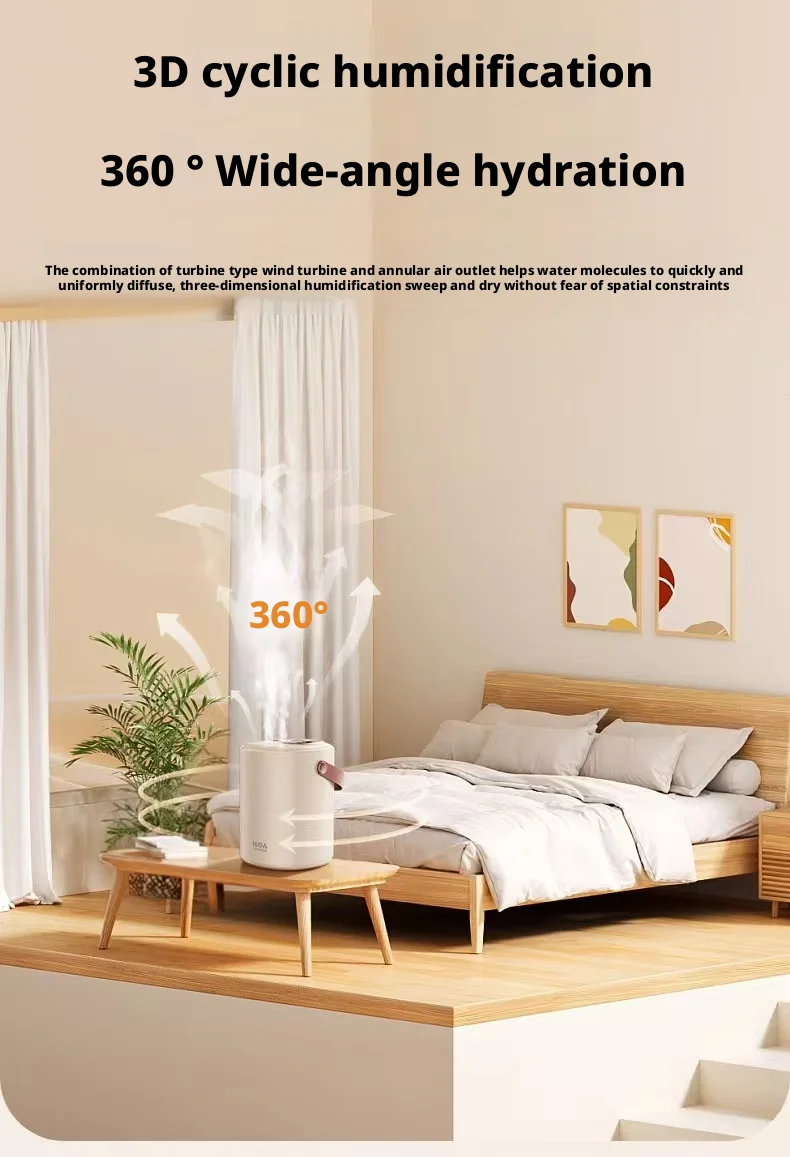
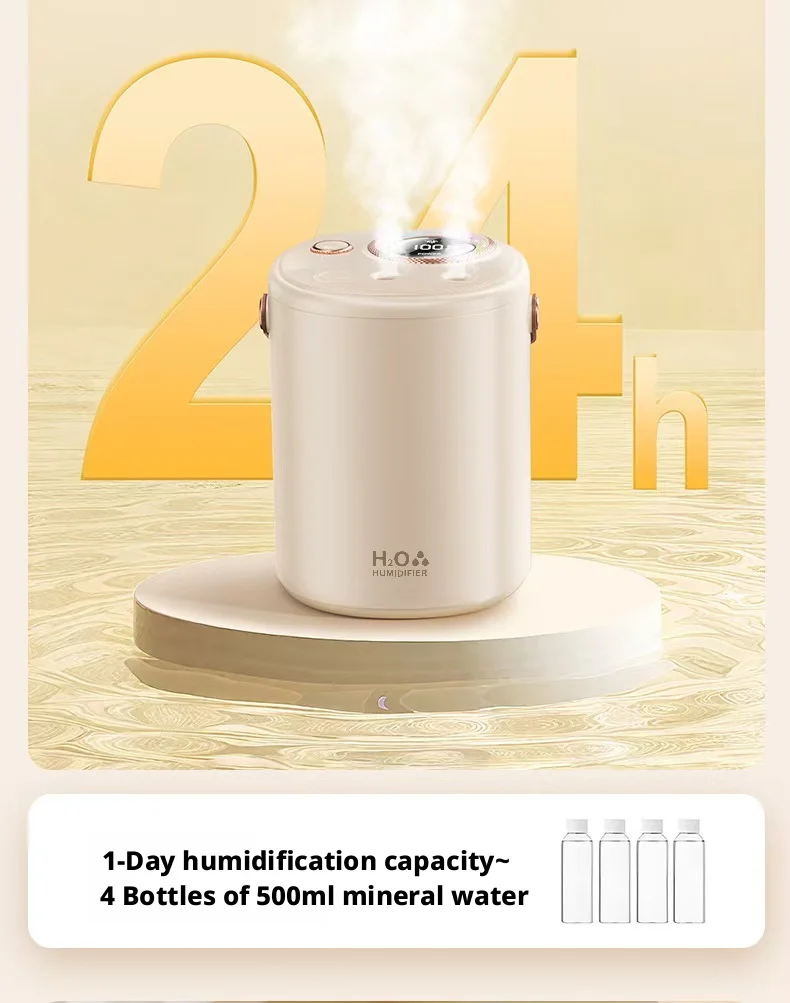
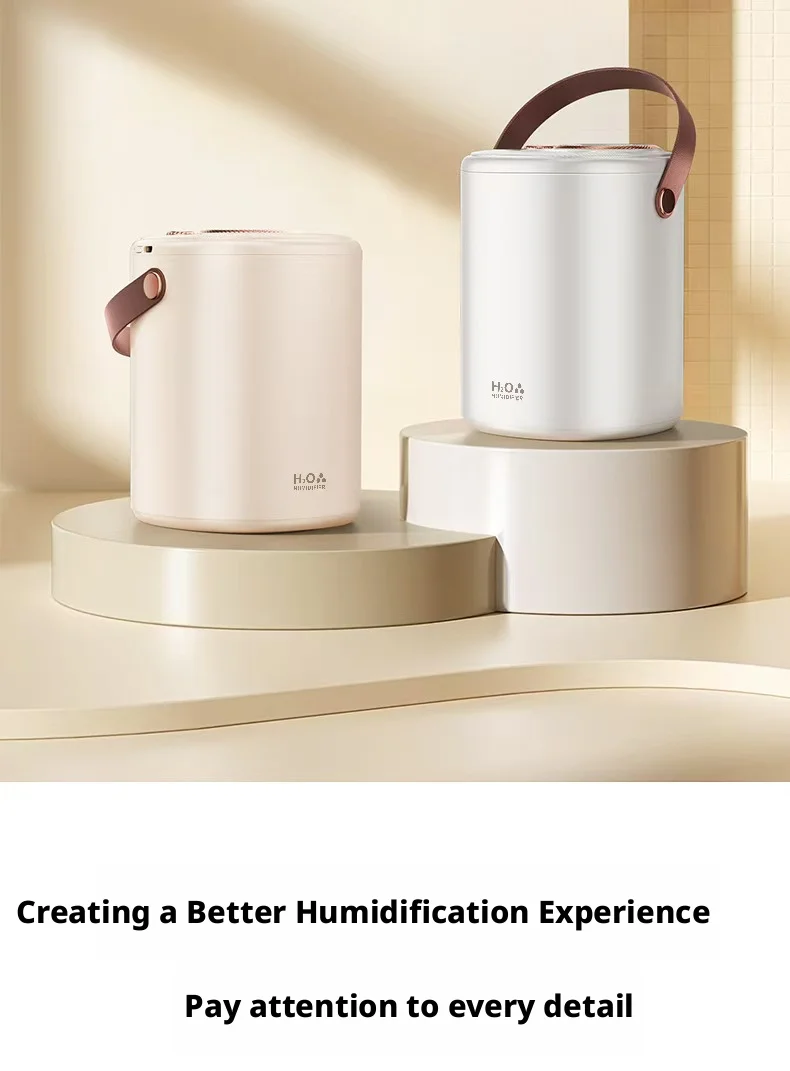
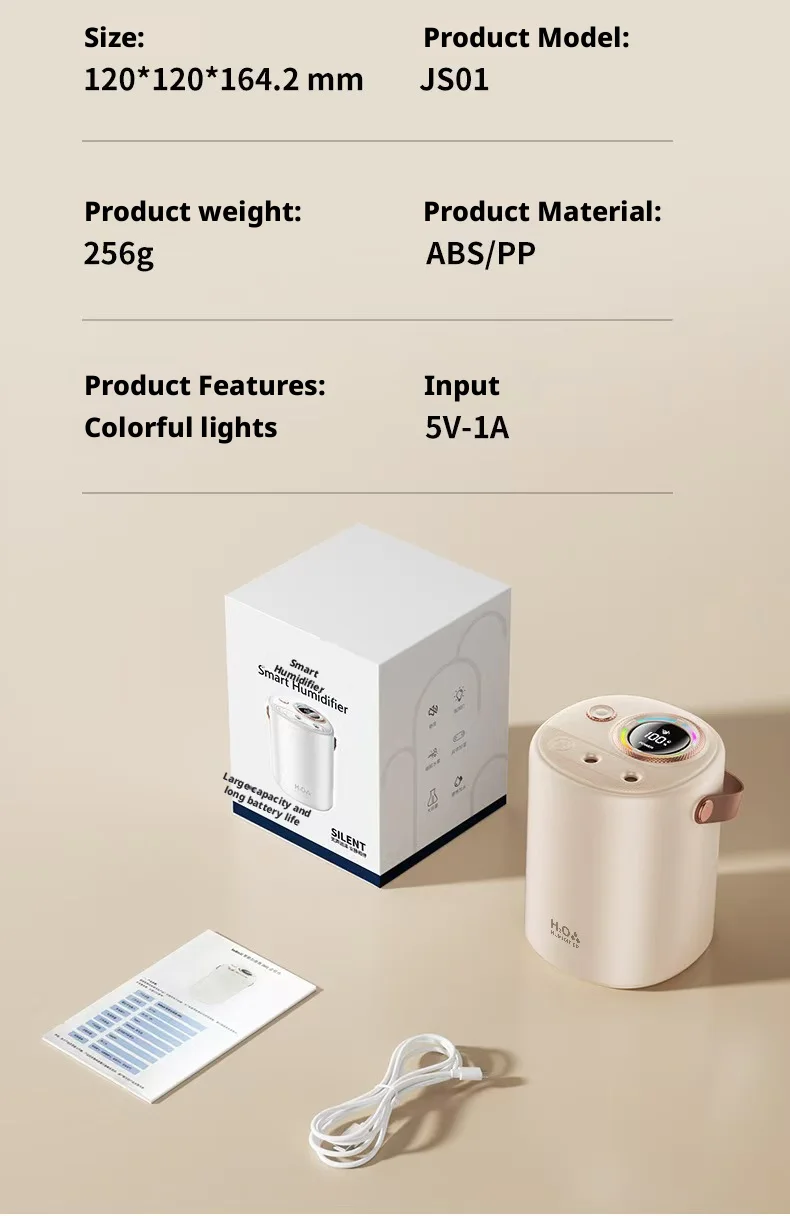
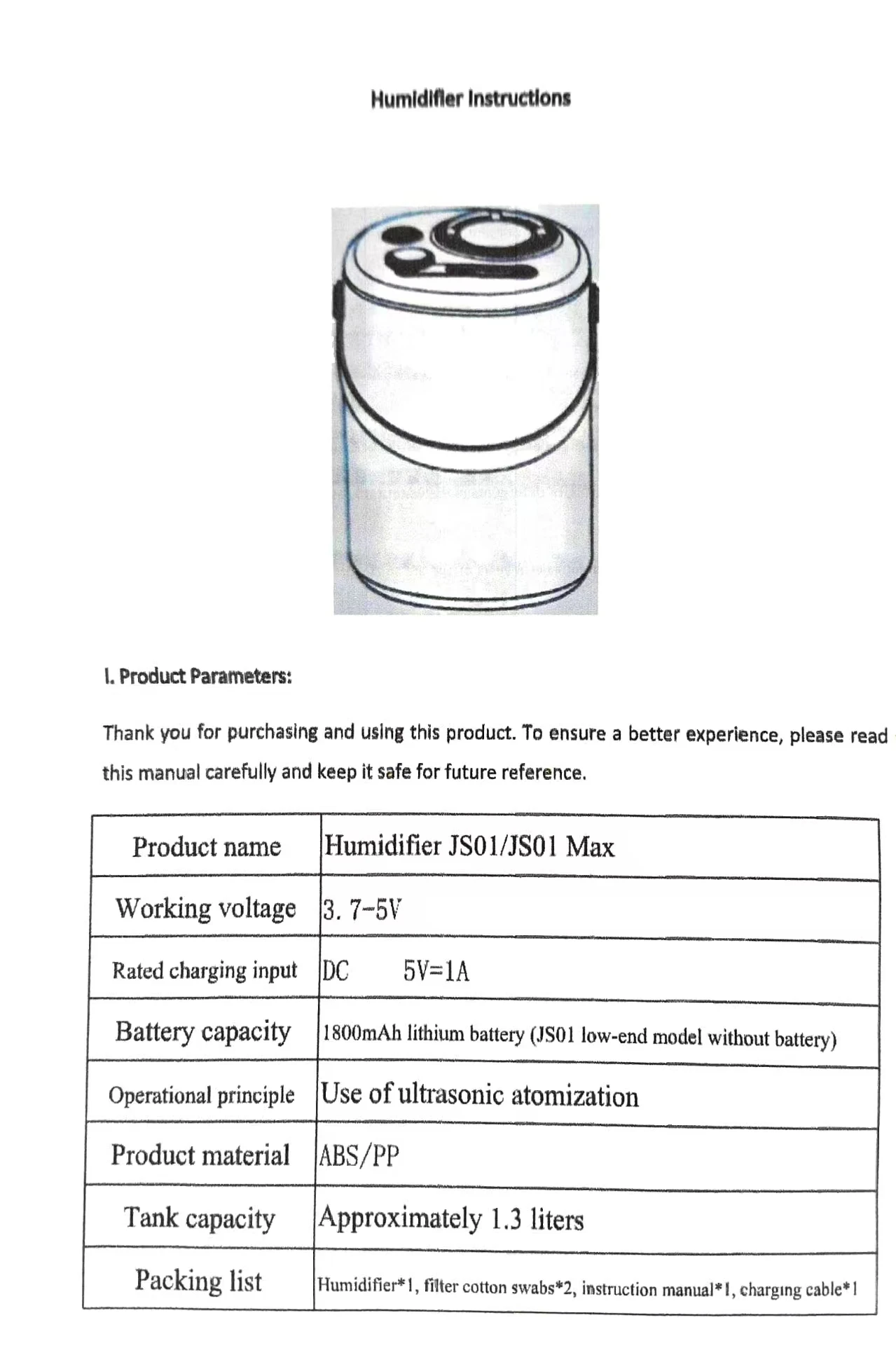
Ultrasonic Humidifier
Attention:
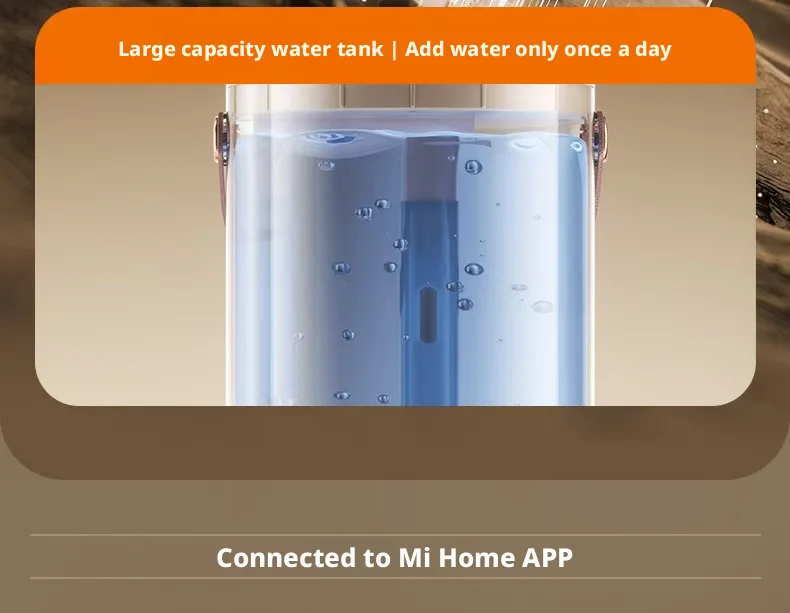
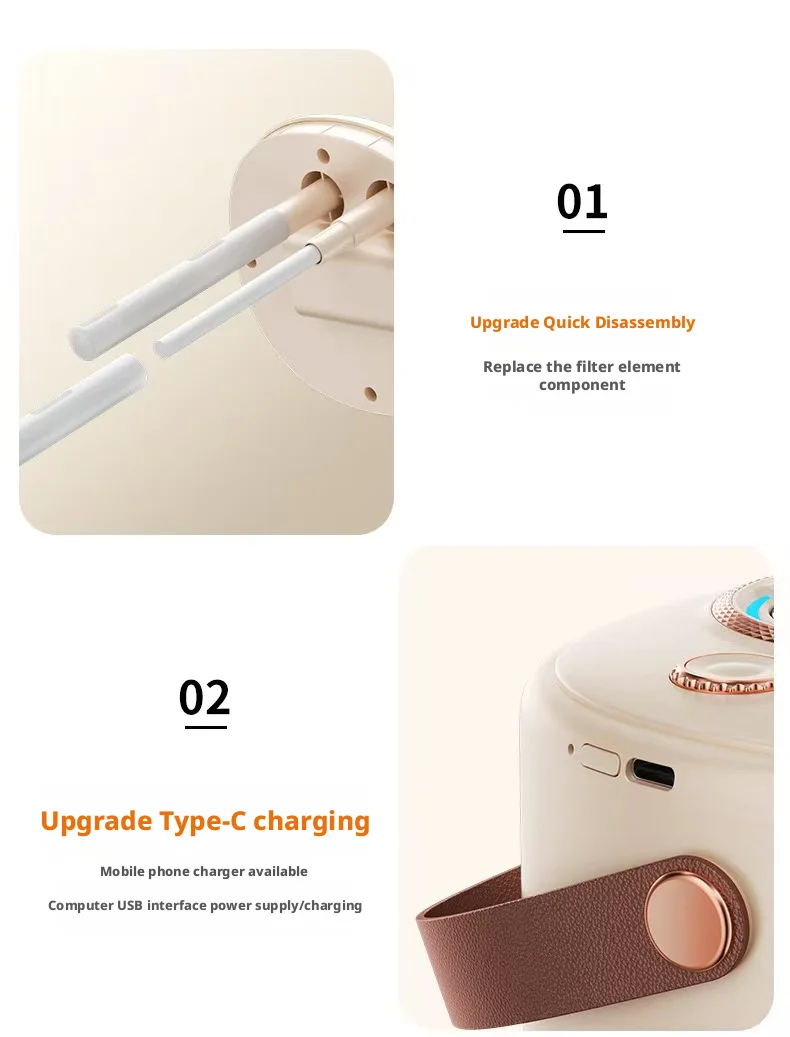
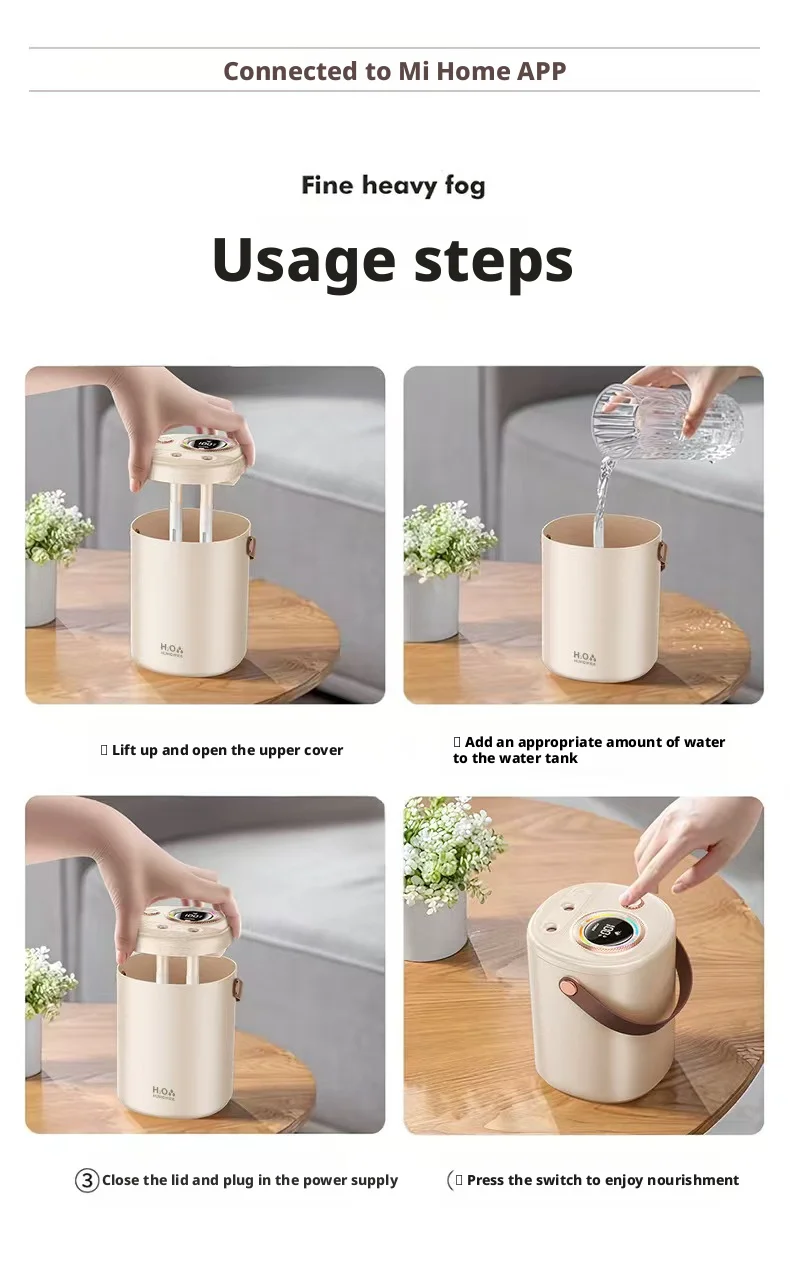
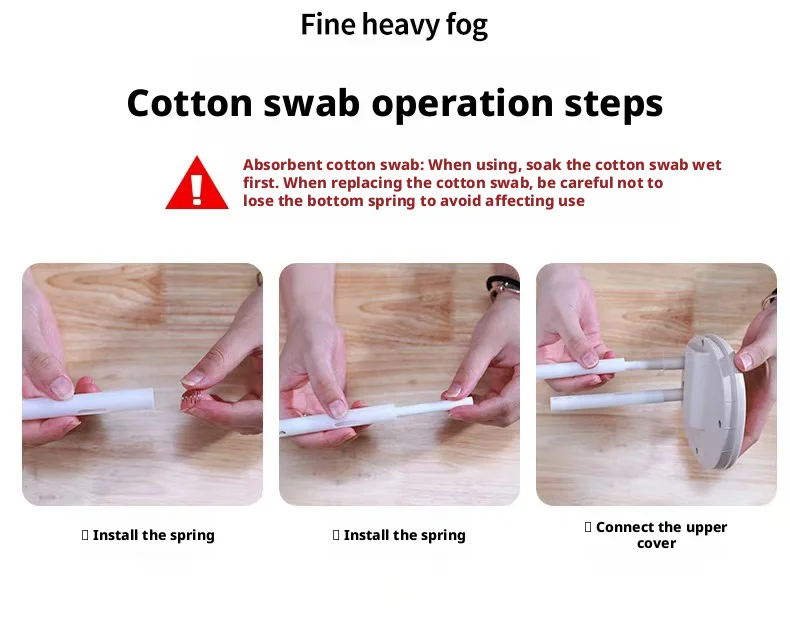
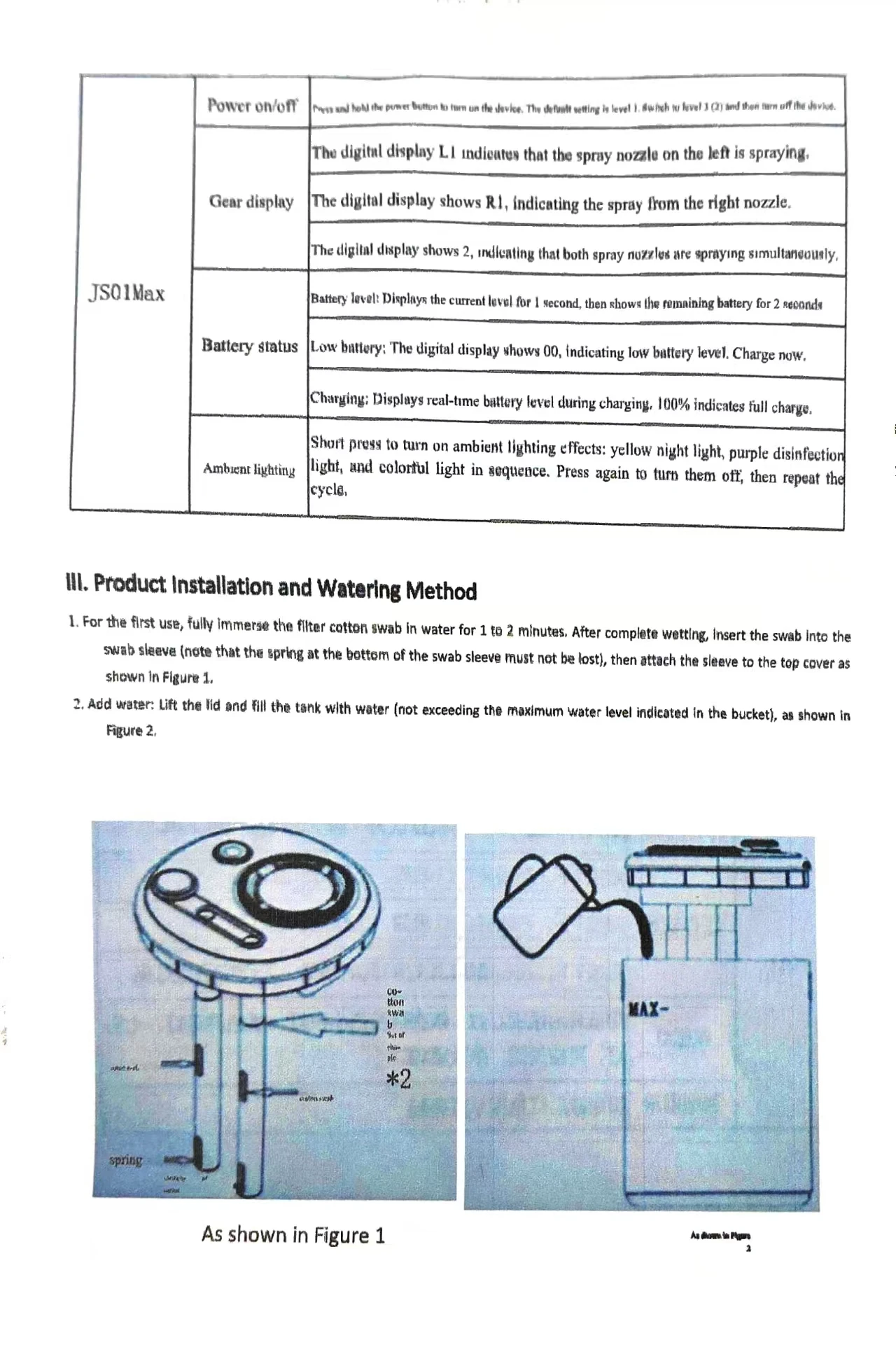
Before using the humidifier for the first time, you need to take out the cotton swab of the humidifier and put it into the water to soak for 2-3 minutes, as long as the cotton swab is wet enough for the humidifier to work. Be sure to soak the cotton swabs completely in water until they are moist enough.
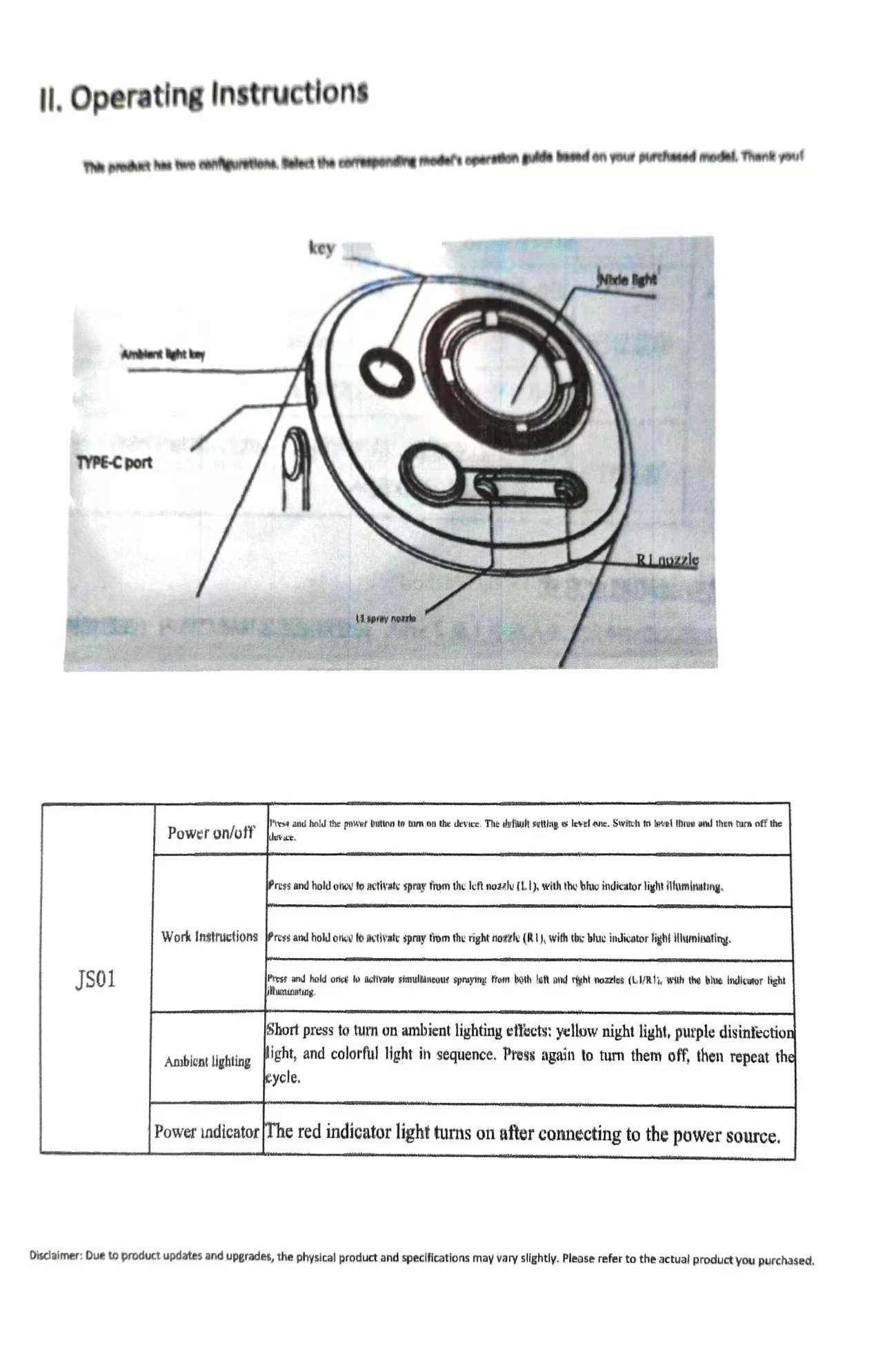
Power On/Off
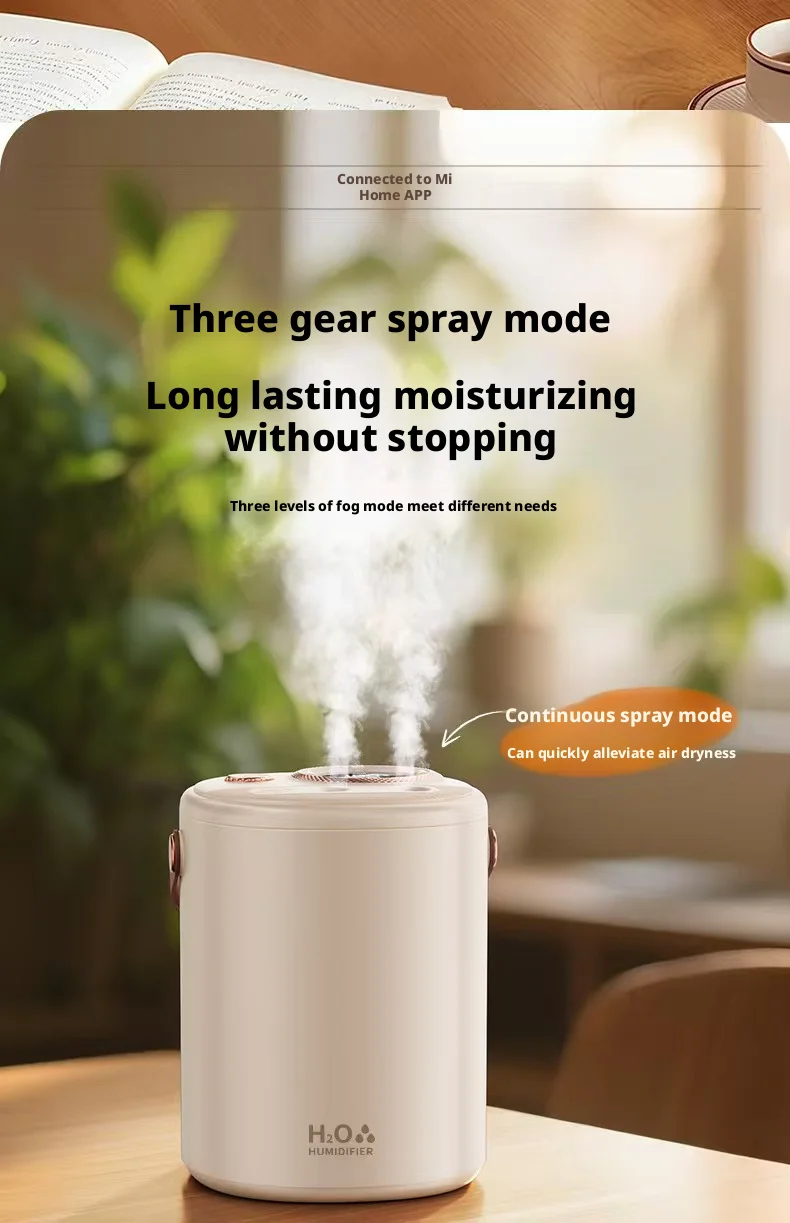
Short press the power button to turn on the device. It defaults to Gear 1 when powered on, and will turn off automatically after switching to Gear 3.
Working Indicators
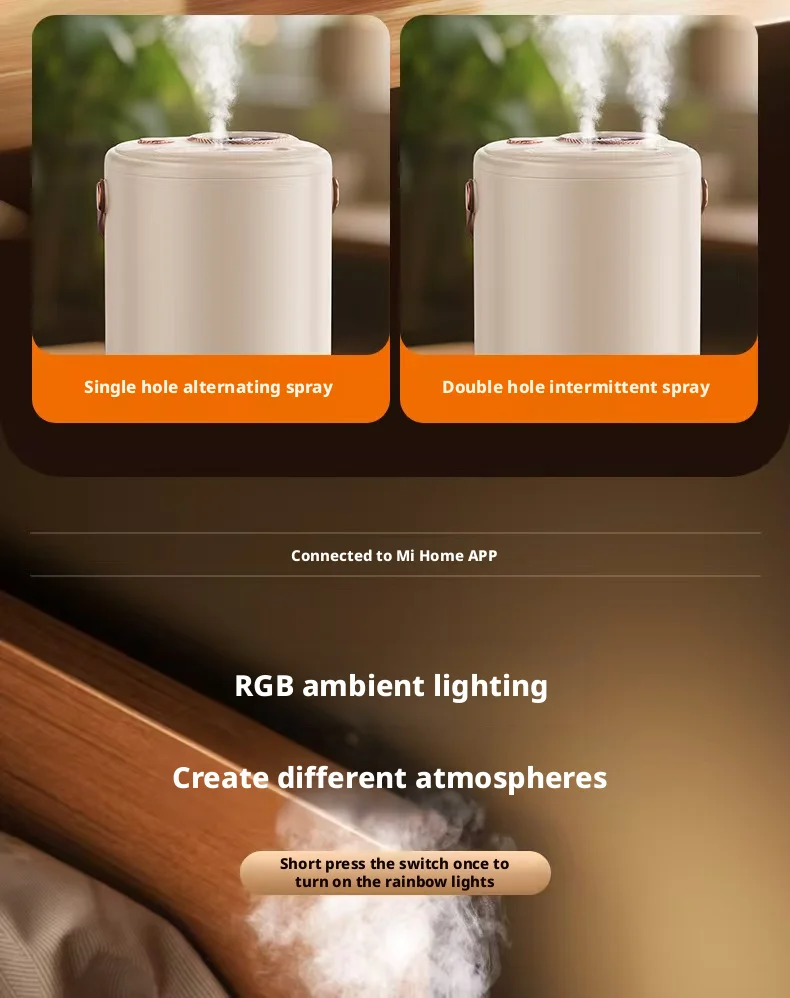
1. Short press once: The left mist outlet L1 emits mist, and the blue working indicator light turns on.
2. Short press once again: The right mist outlet R1 emits mist, and the blue working indicator light stays on.
3. Short press a third time: Both the left and right mist outlets L1/R1 emit mist simultaneously, and the blue working indicator light remains on.
Ambient Light
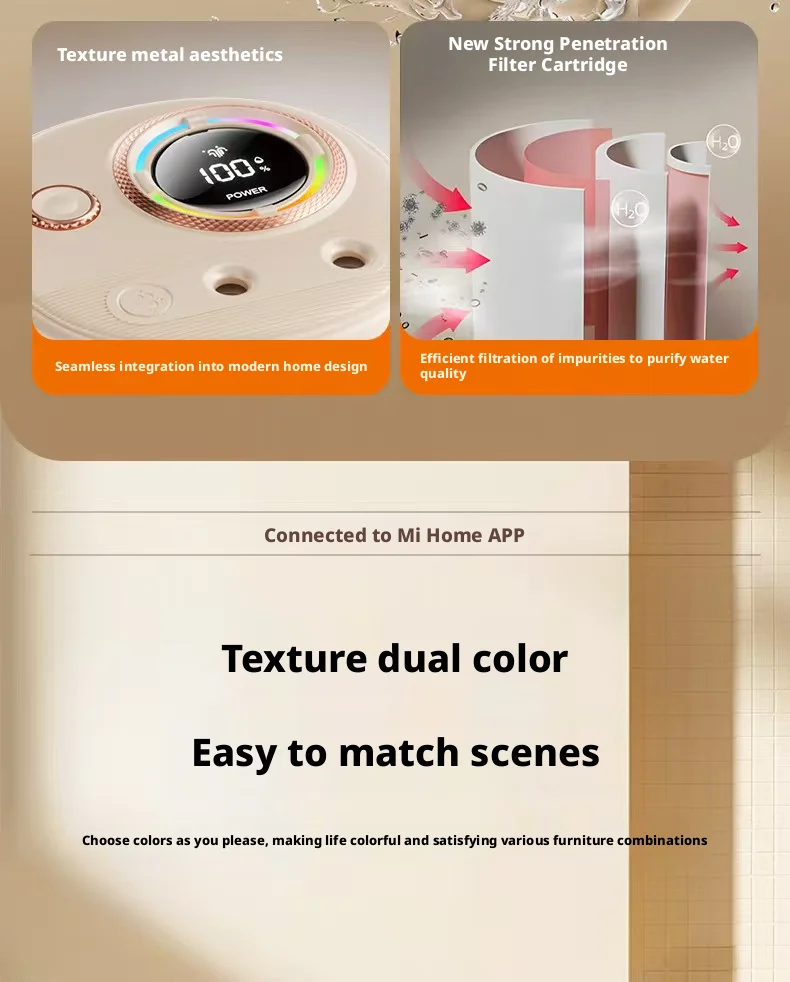
Short press to activate the ambient light mode, which cycles through the following effects in sequence: warm yellow night light → purple disinfection light → RGB color cycle light. Short press again to turn off the ambient light, and the cycle repeats.
Power Indicator
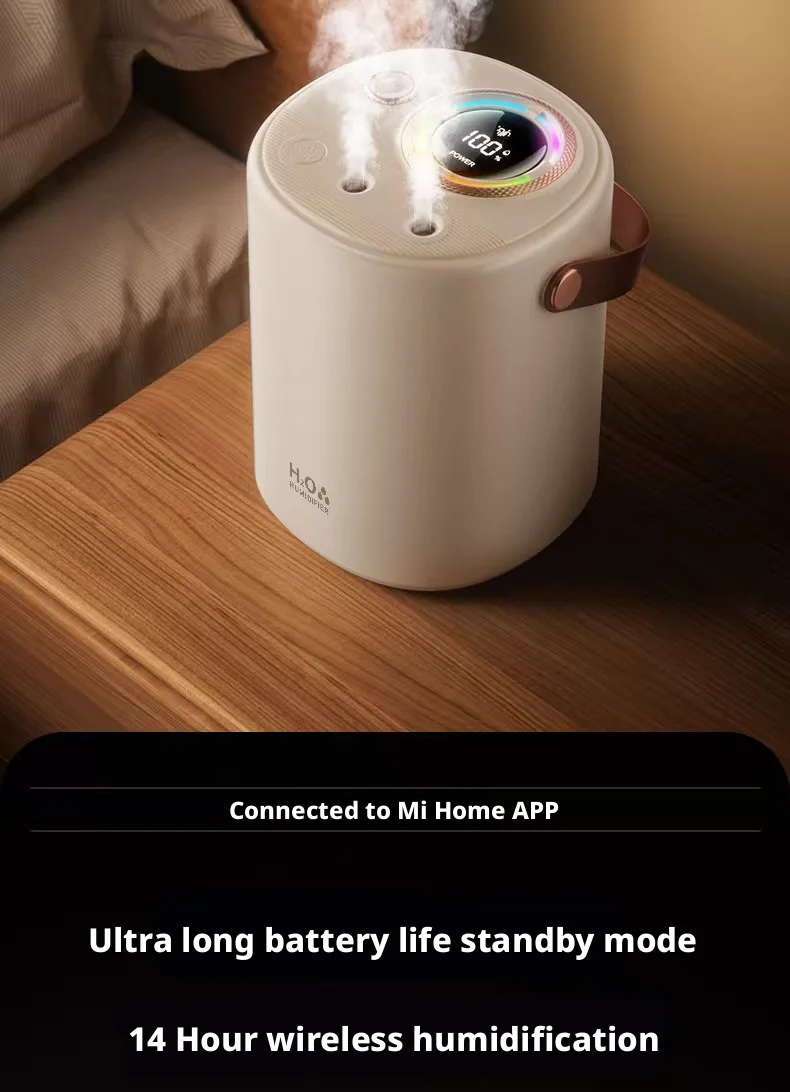
The red power indicator light turns on when the device is connected to a power source.
Disclaimer
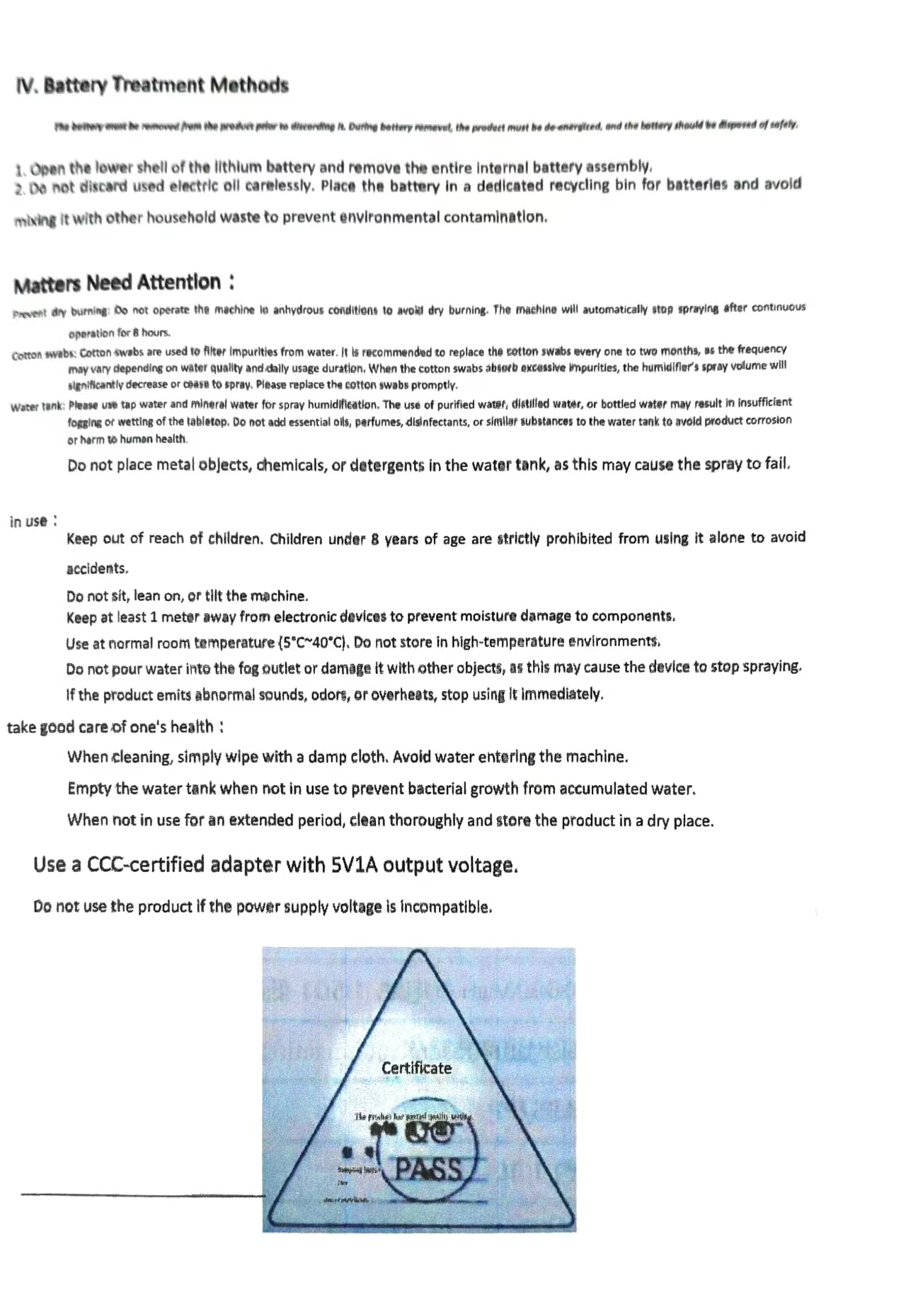
Due to product updates and upgrades, there may be slight differences between the actual product and the listed parameters. Please refer to the physical product you purchased for the final specifications.
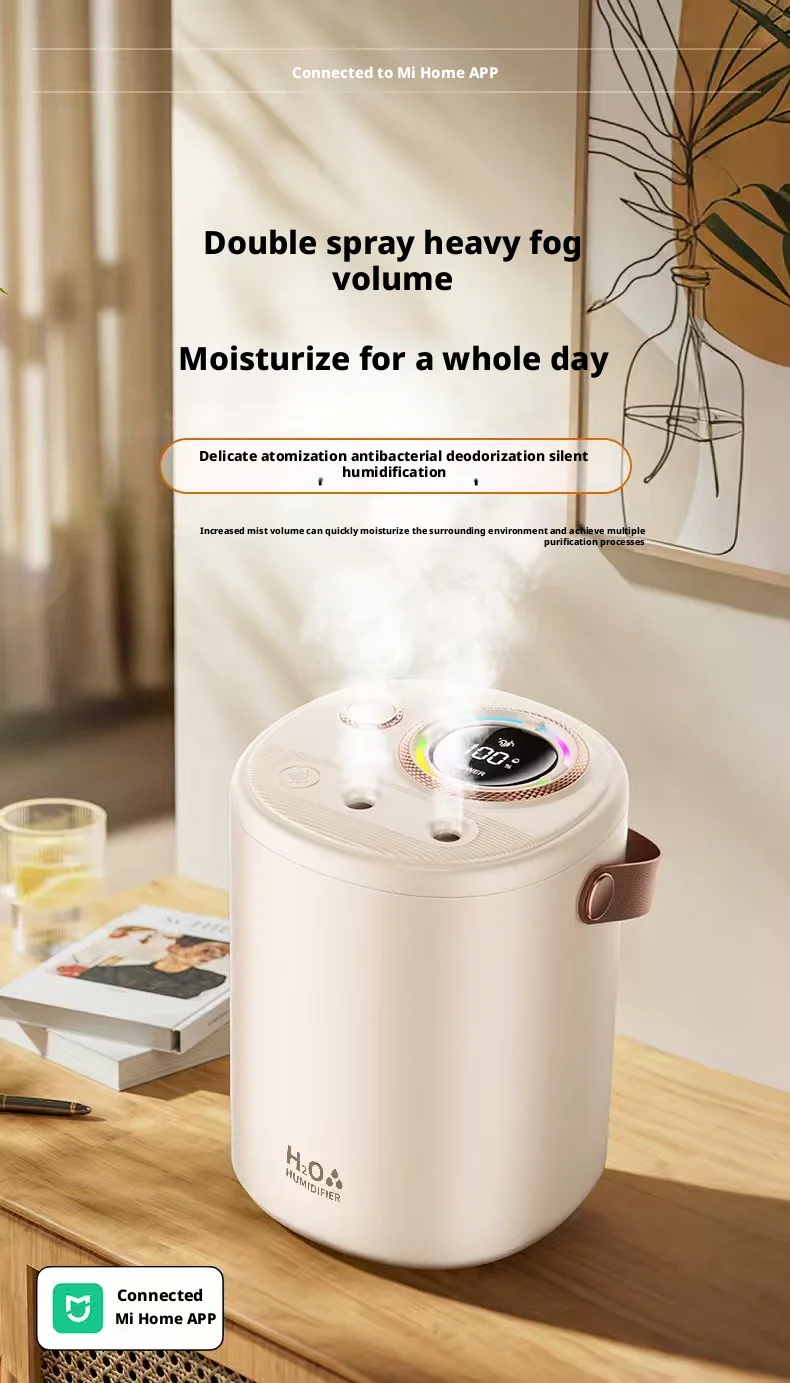
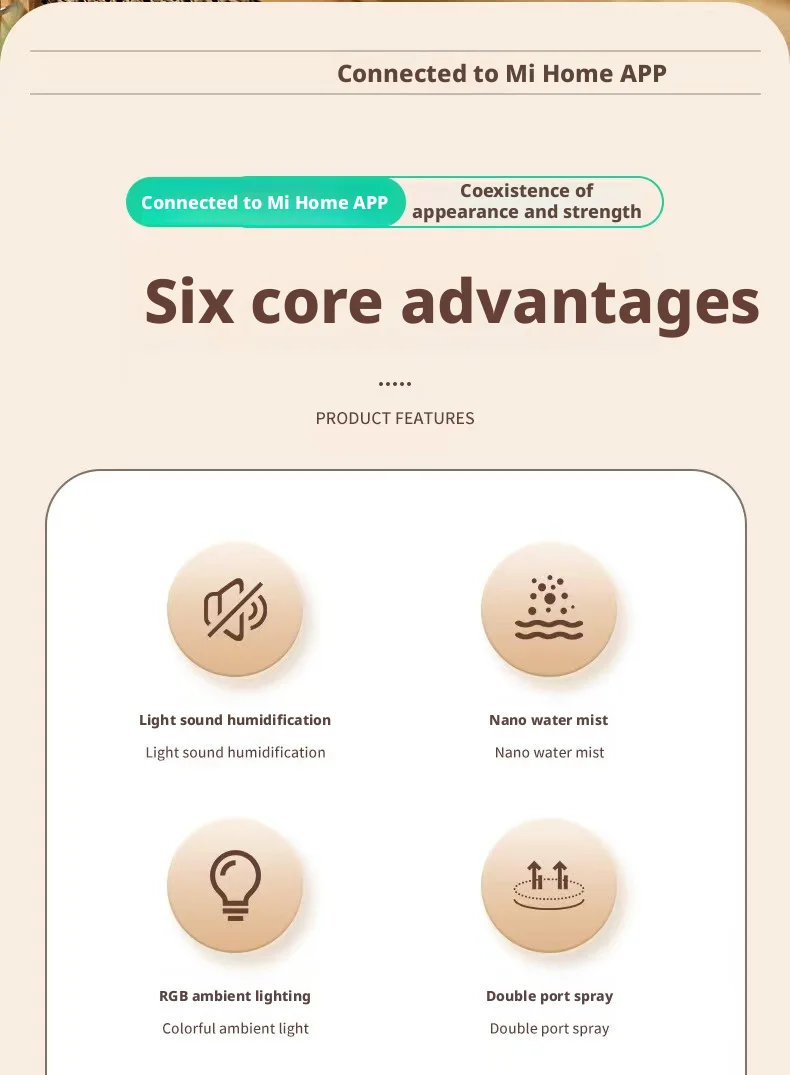
Reviews
There are no reviews yet.