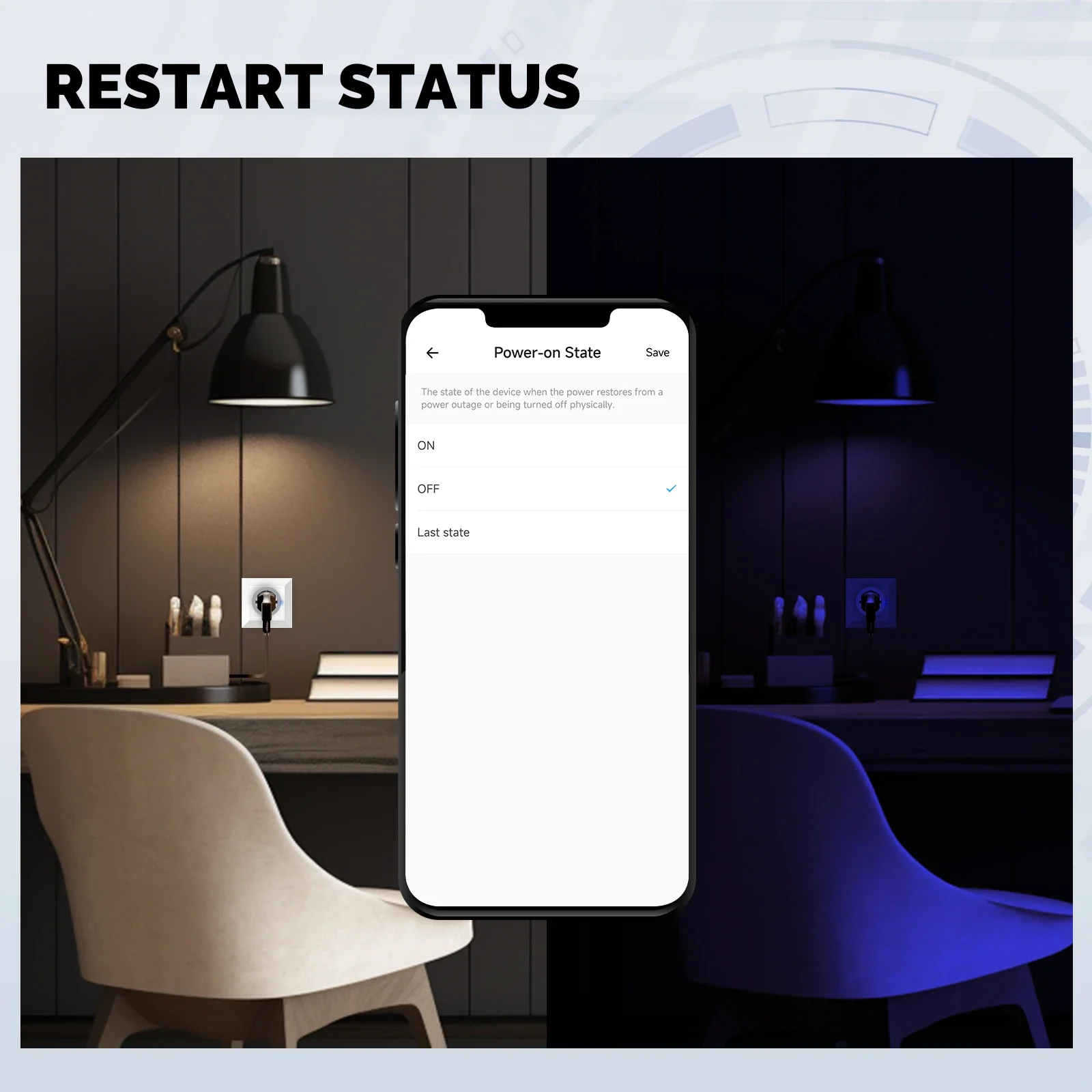
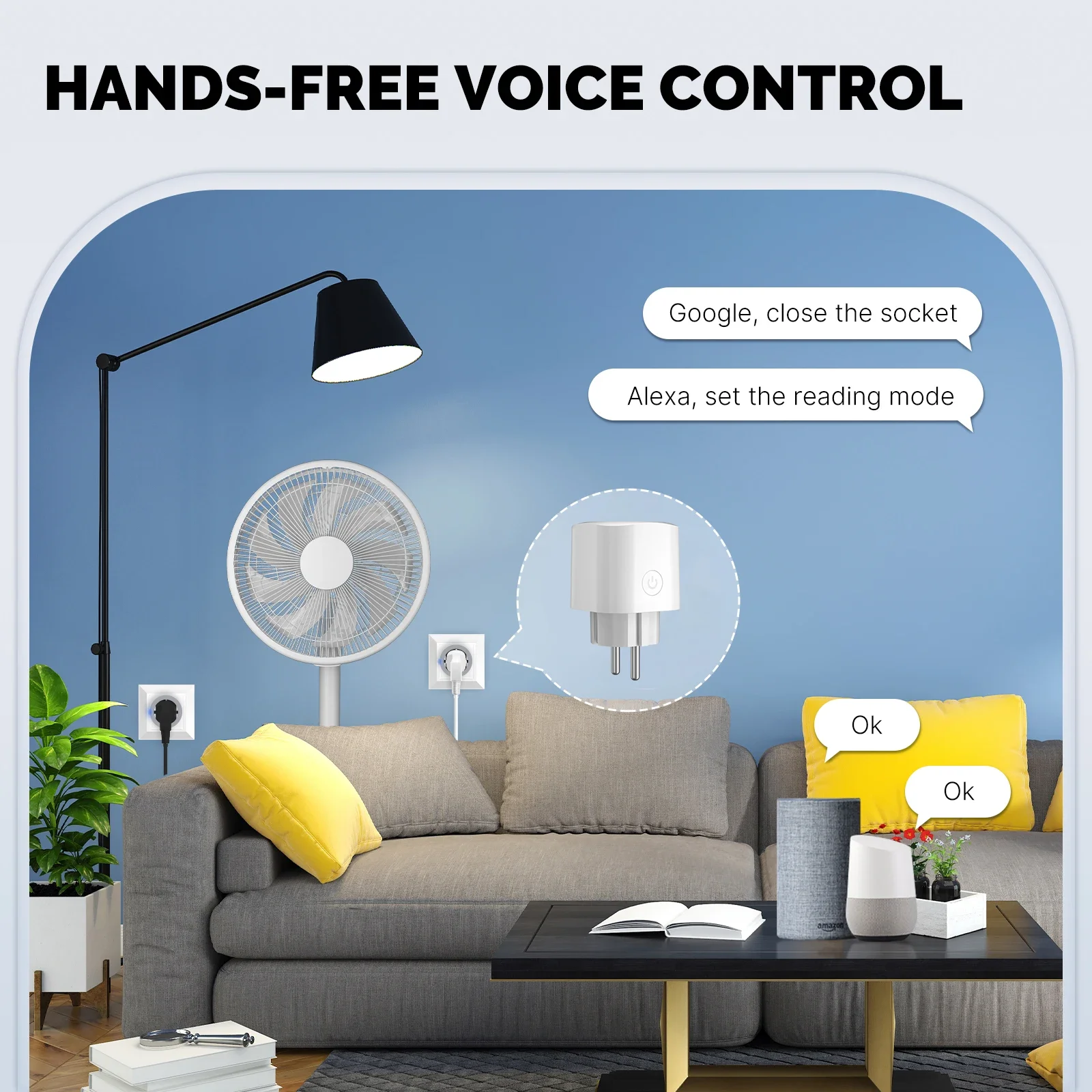
Description
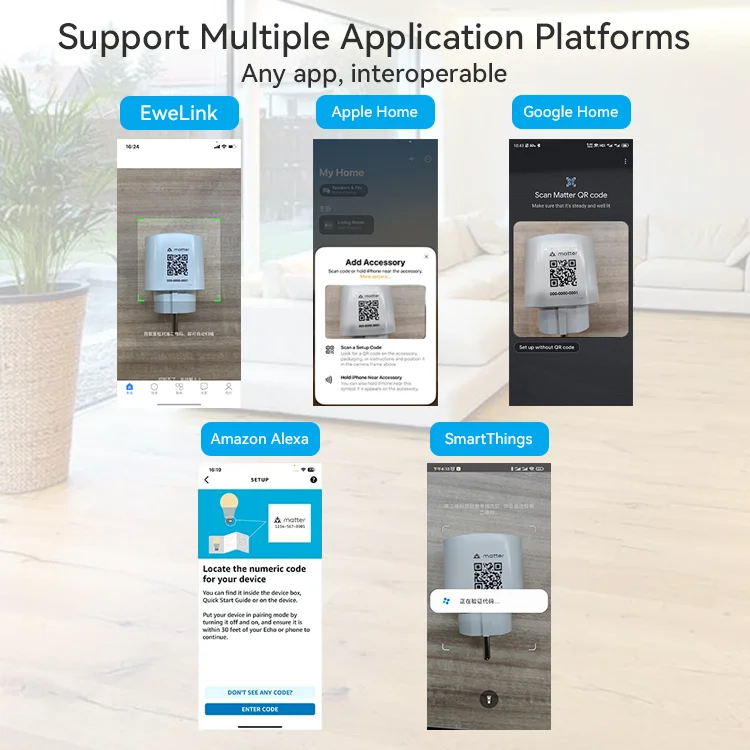
If you want to pair with IOS Home APP ,
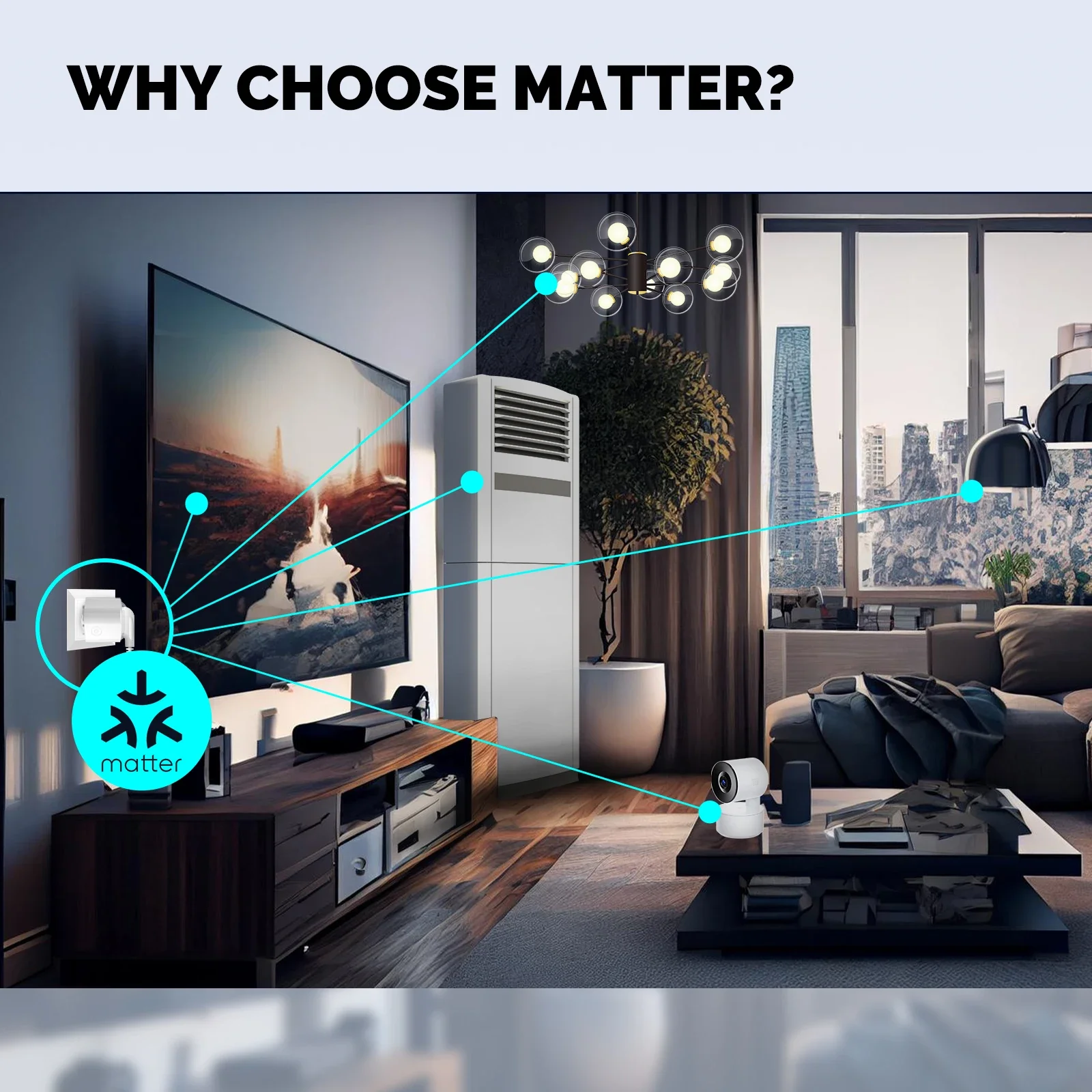
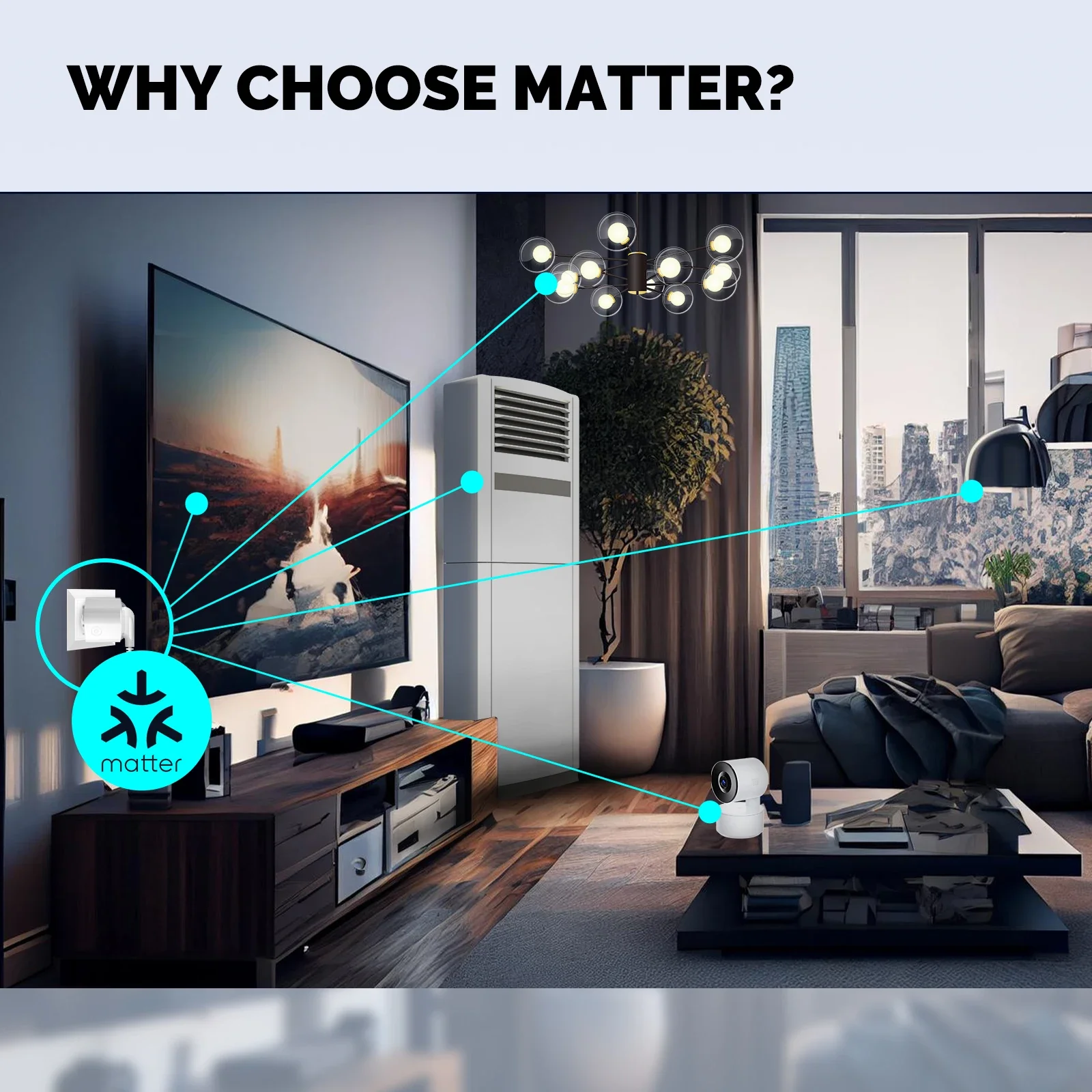
A smart home hub must be set(eg: HomePod,Home Pod Mini,Apple TV ),then the Matter devices can be added into "Home"App.Matter Control: support Matter-cetified ecosystem, Please set up an hub device that is compatible with Matter.
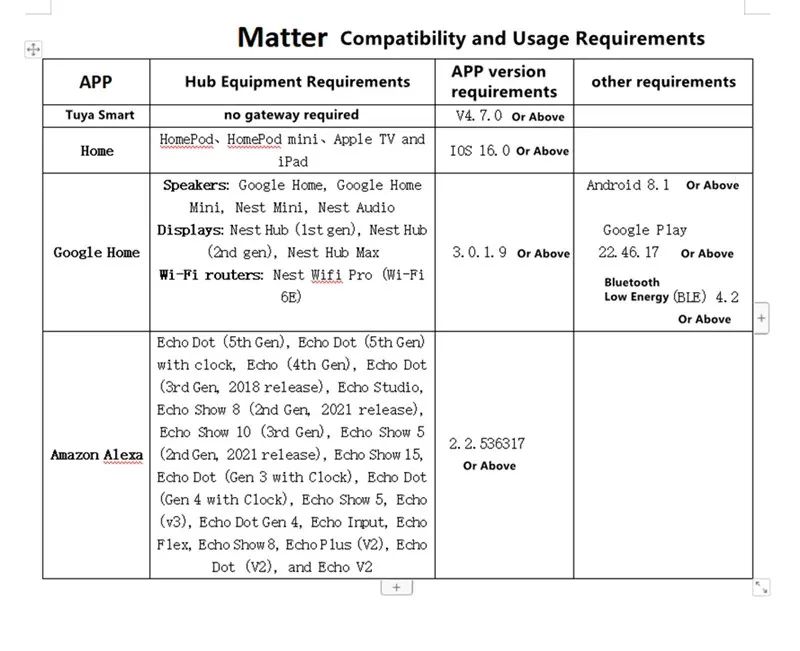
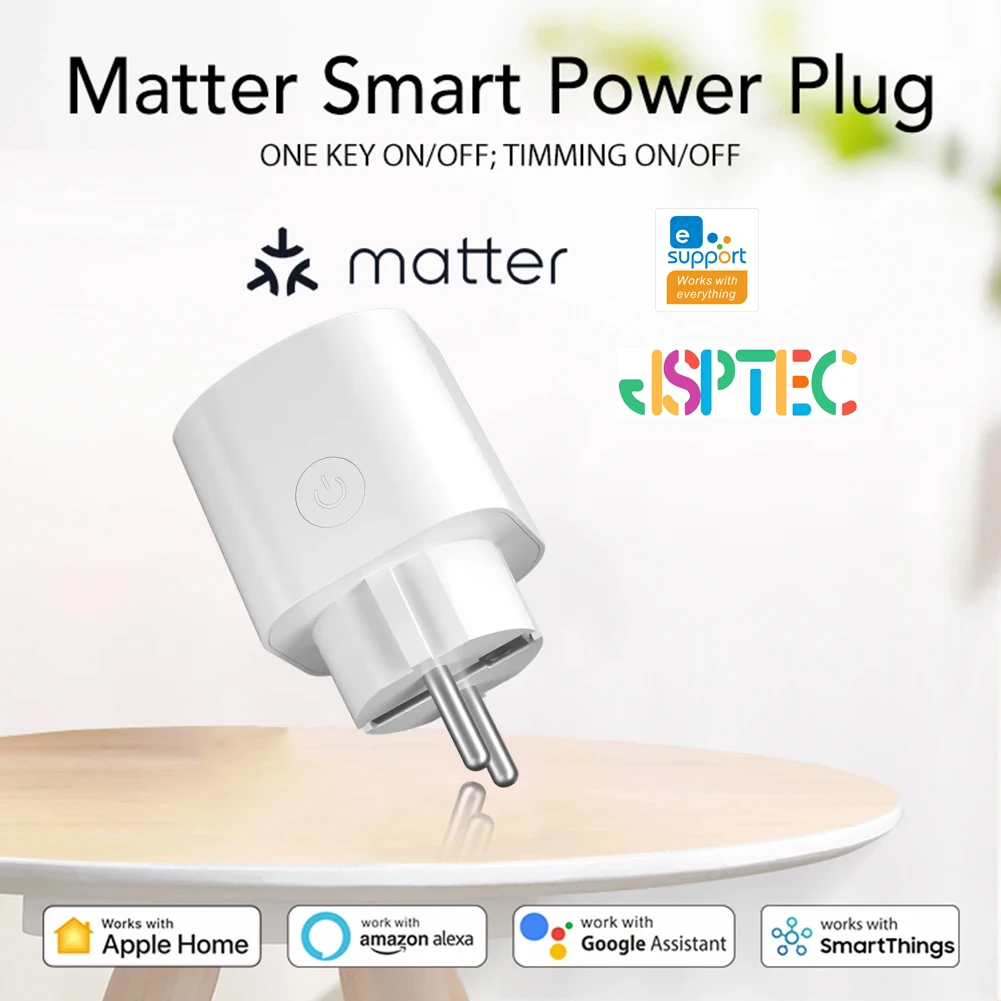
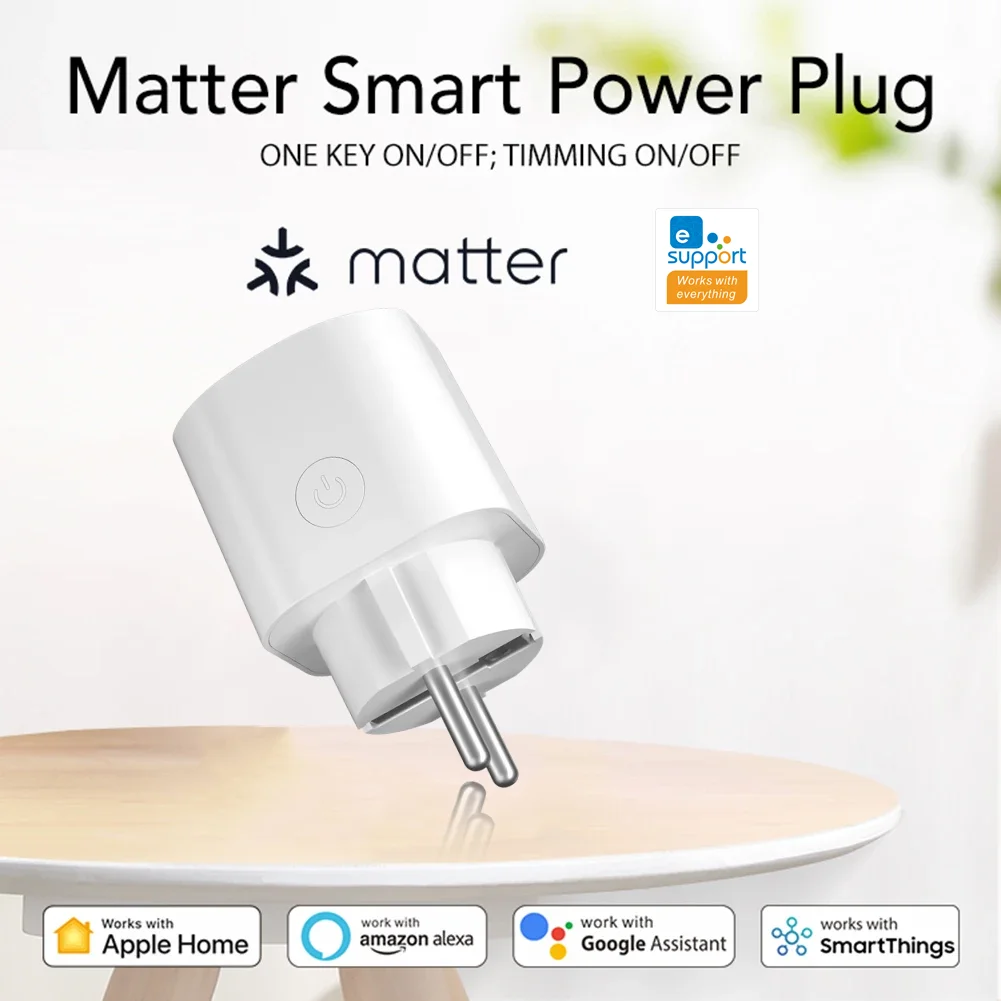
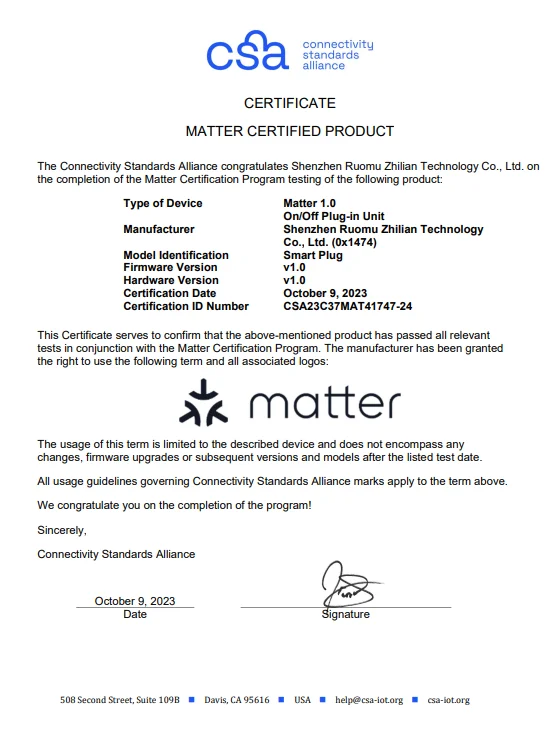
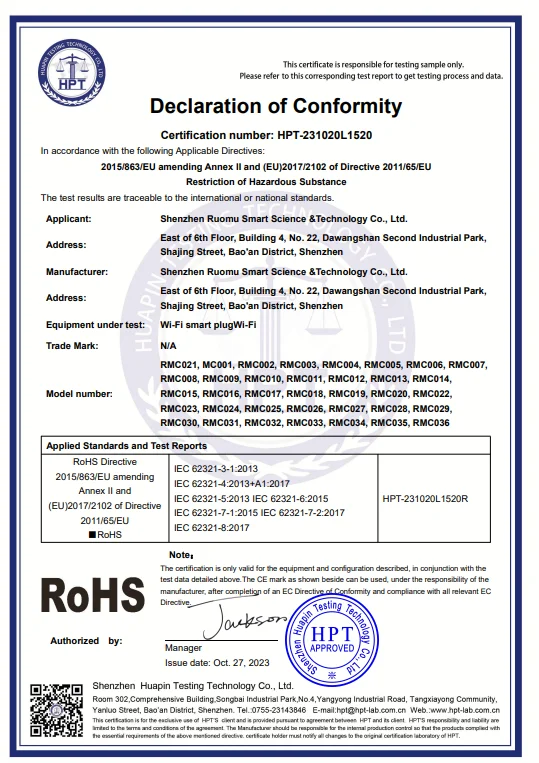
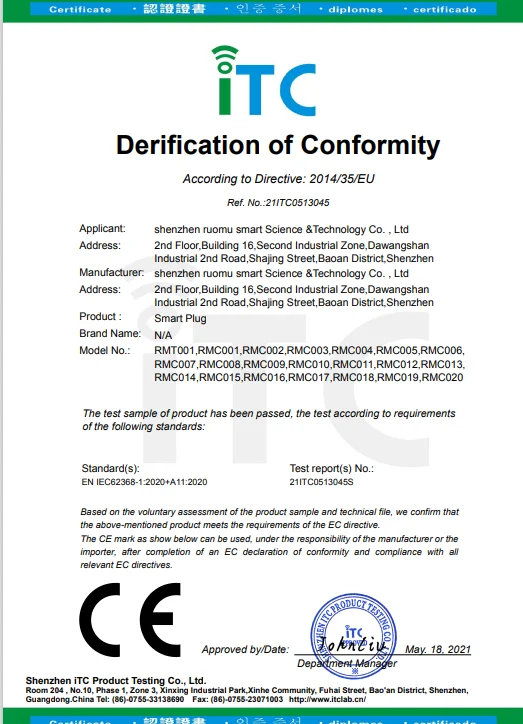
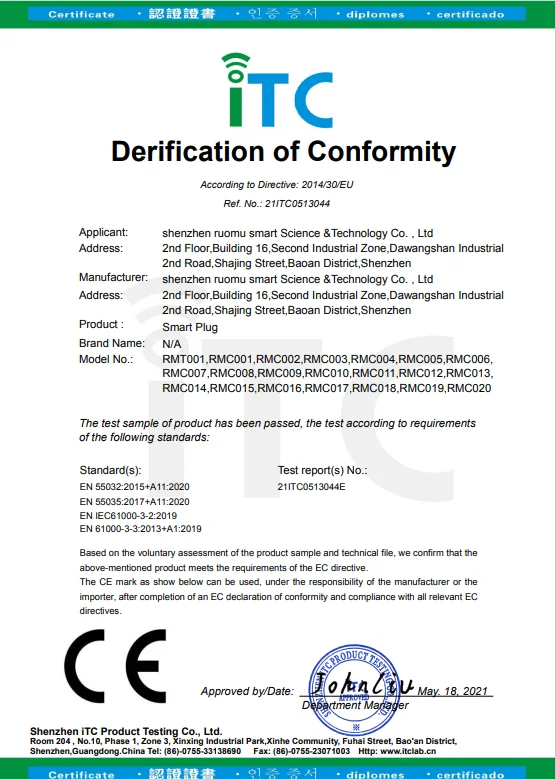
New Matter protocol smart socket, support Iphone Homekit Siri voice control, direct scanning code pairing.
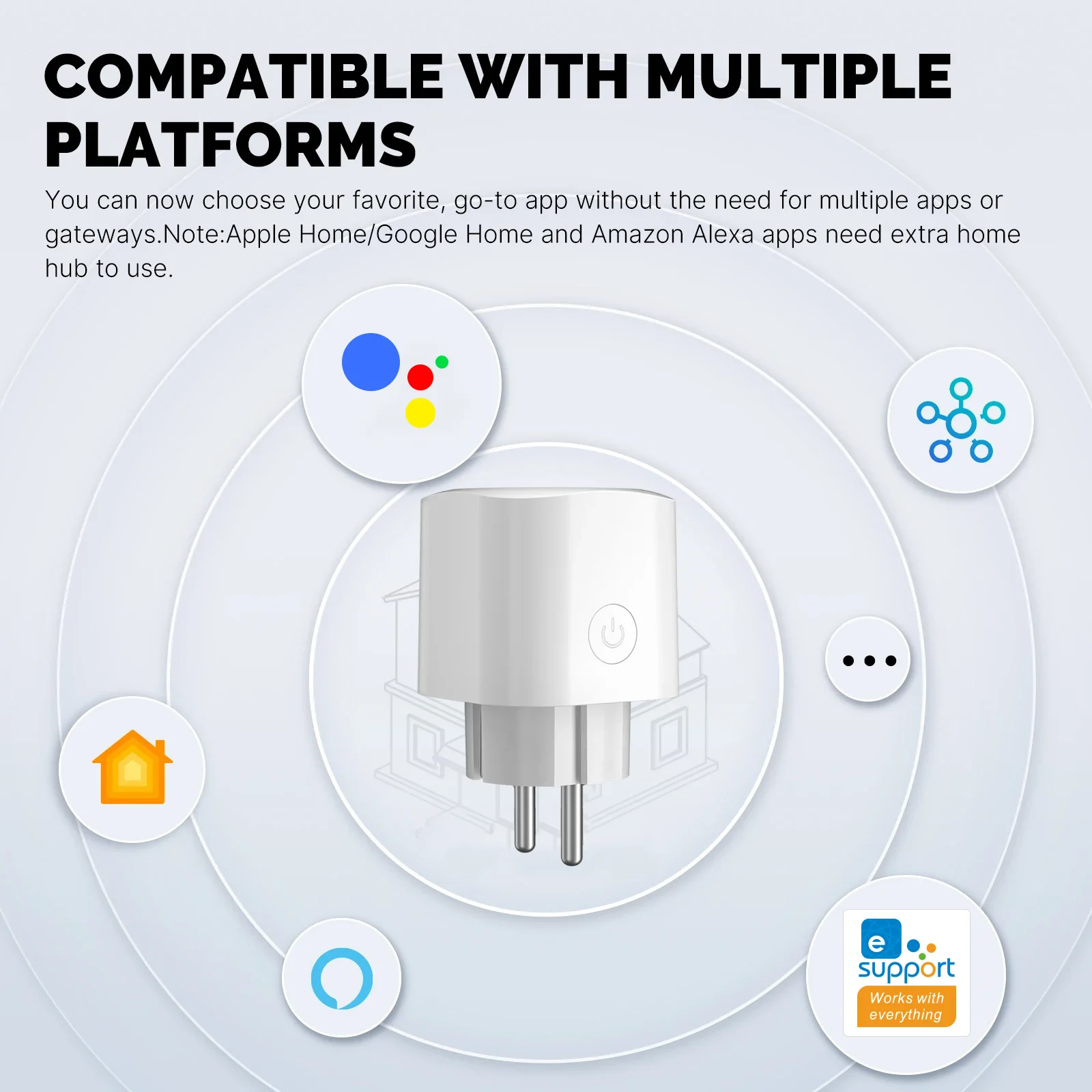
At the same time, it also supports eWeLink APP, which can be remotely controlled by Amazon Alexa / Google Home.
Multi-person sharing control, local area network control, child lock, timing function.
● With power meter
● Rated Power:AC 85~250V 50/60Hz
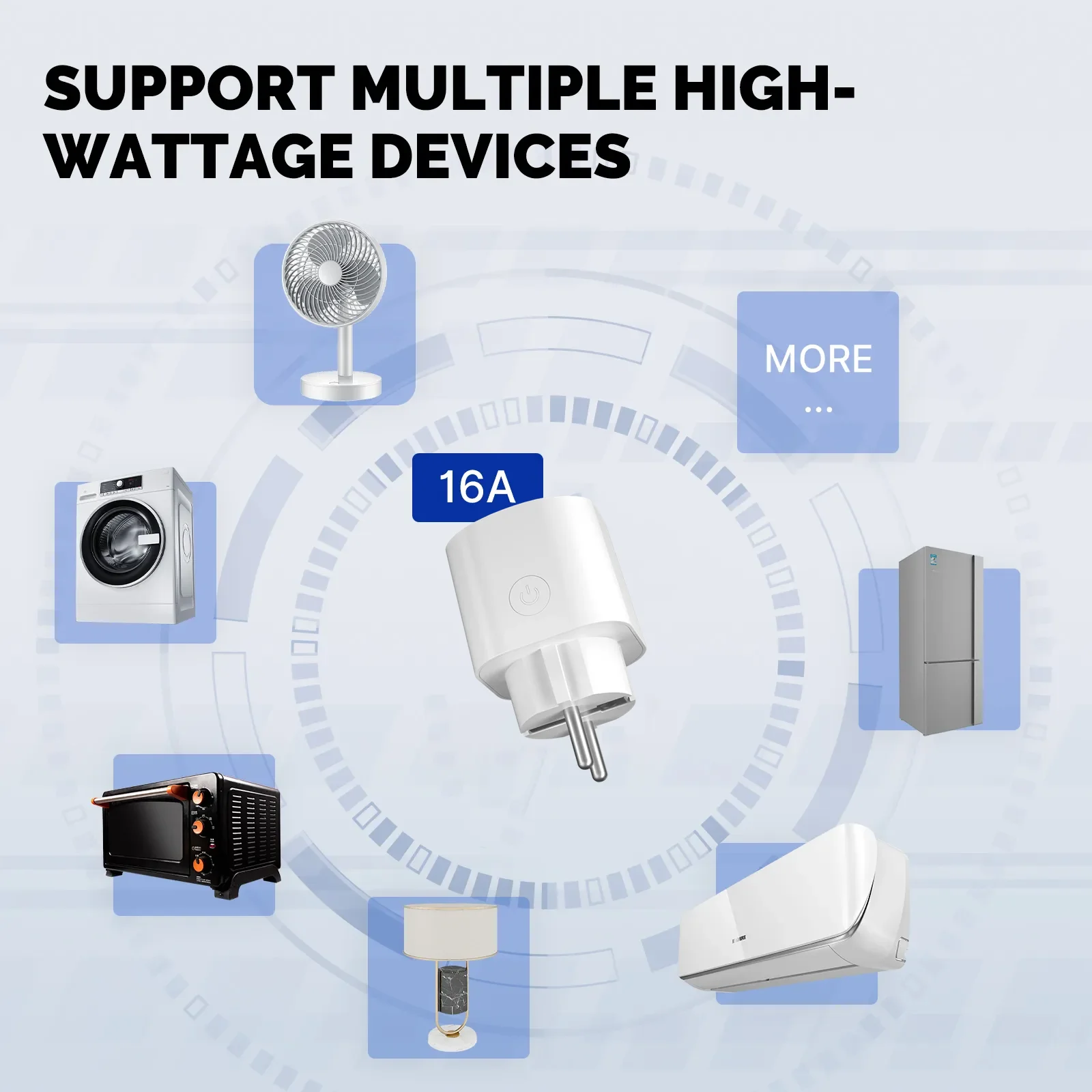
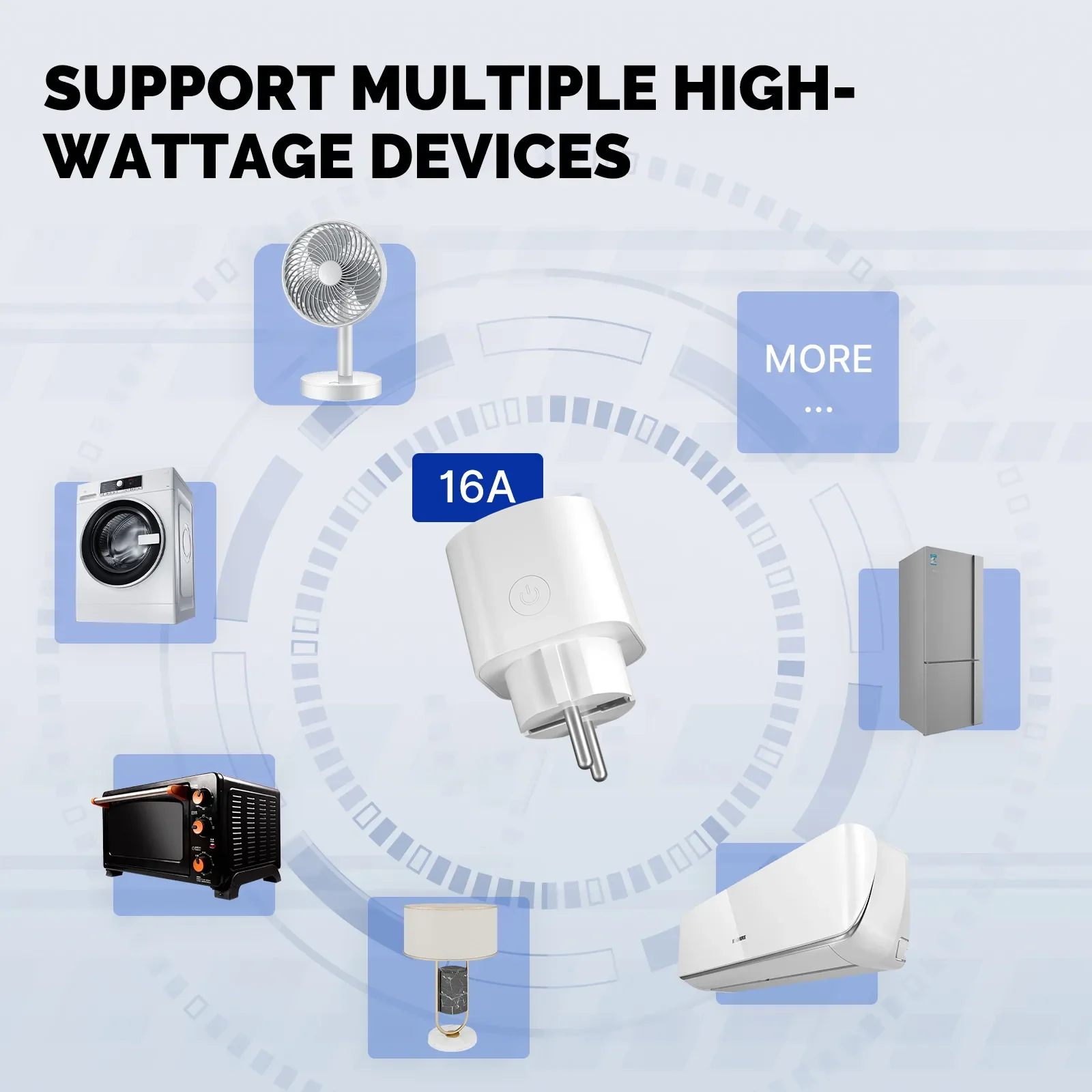
● Rated Current:16A / 20A
● Maximum Load Capacity:3680W
● Standby Consumption:0.46W
● WiFi Distance:45M
● Wi-Fi Type:2.4GHz
● Wi-Fi Standard:IEEE 802.11b/g/n
Package Included:
1*Smart Socke
Features 1:Voice control
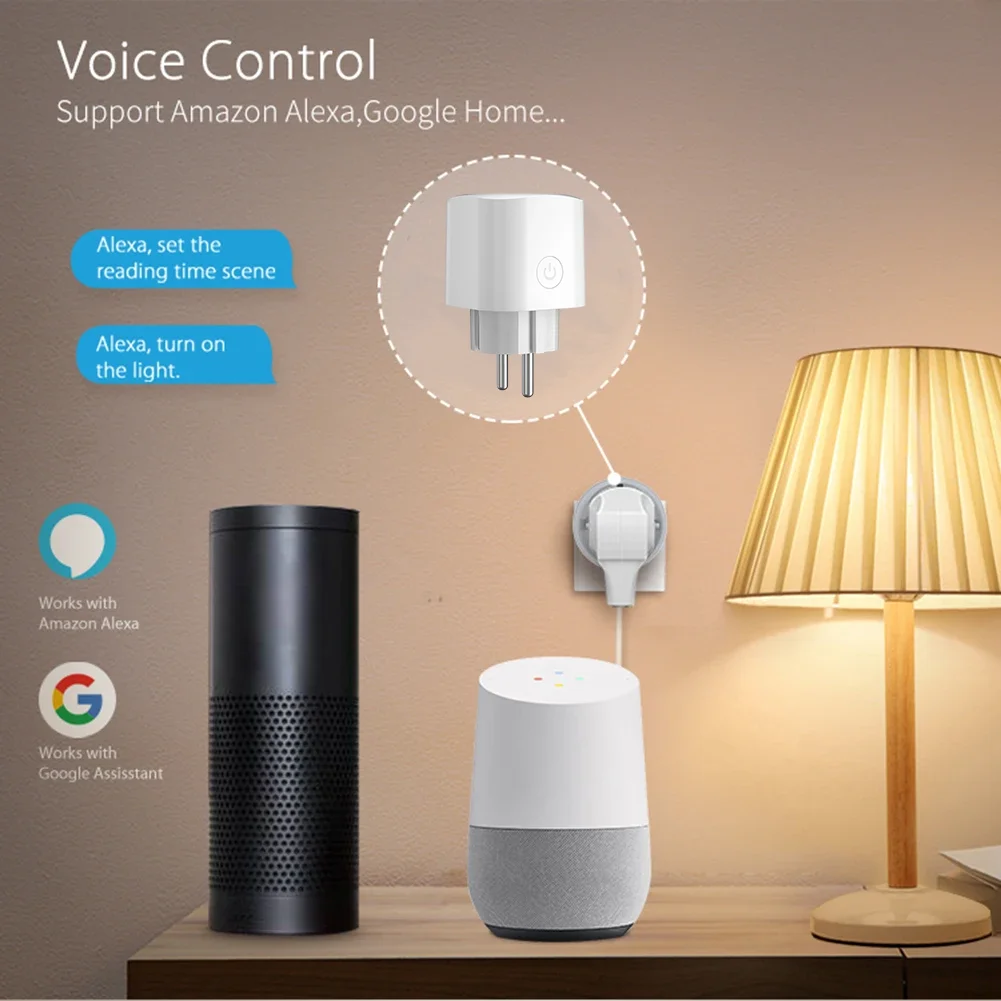
Features 2:App Remote Control by eWeLink
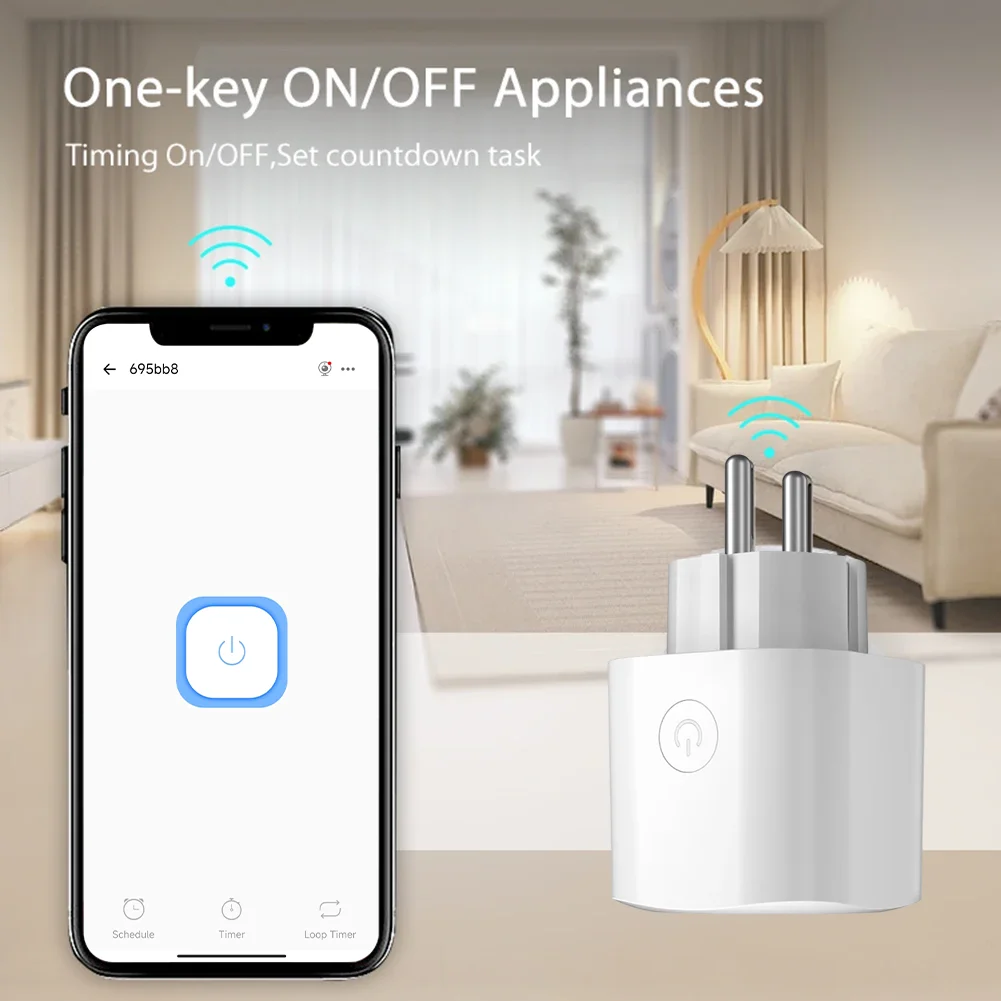
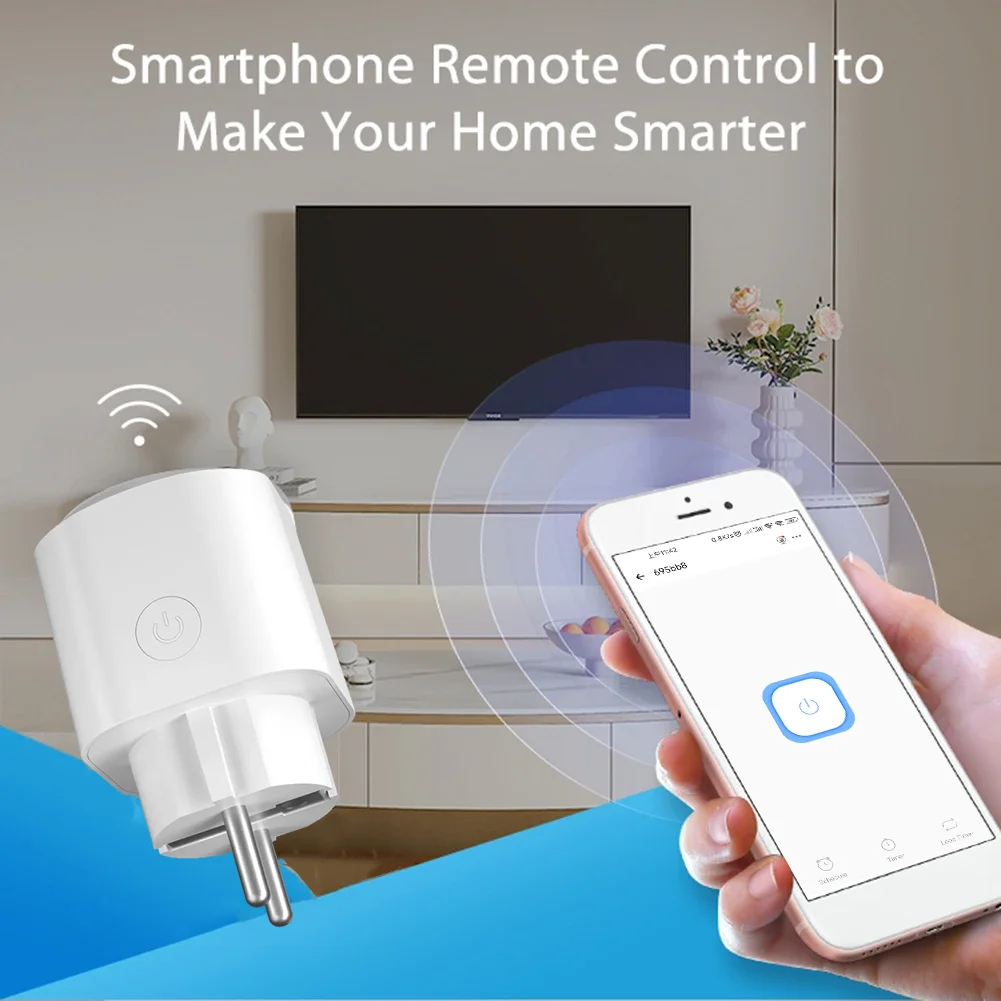
Using your smartphone or tablet remotely controls the smart wifi power plug by free app eWeLink from anywhere at any time. Easily to control your home appliances.
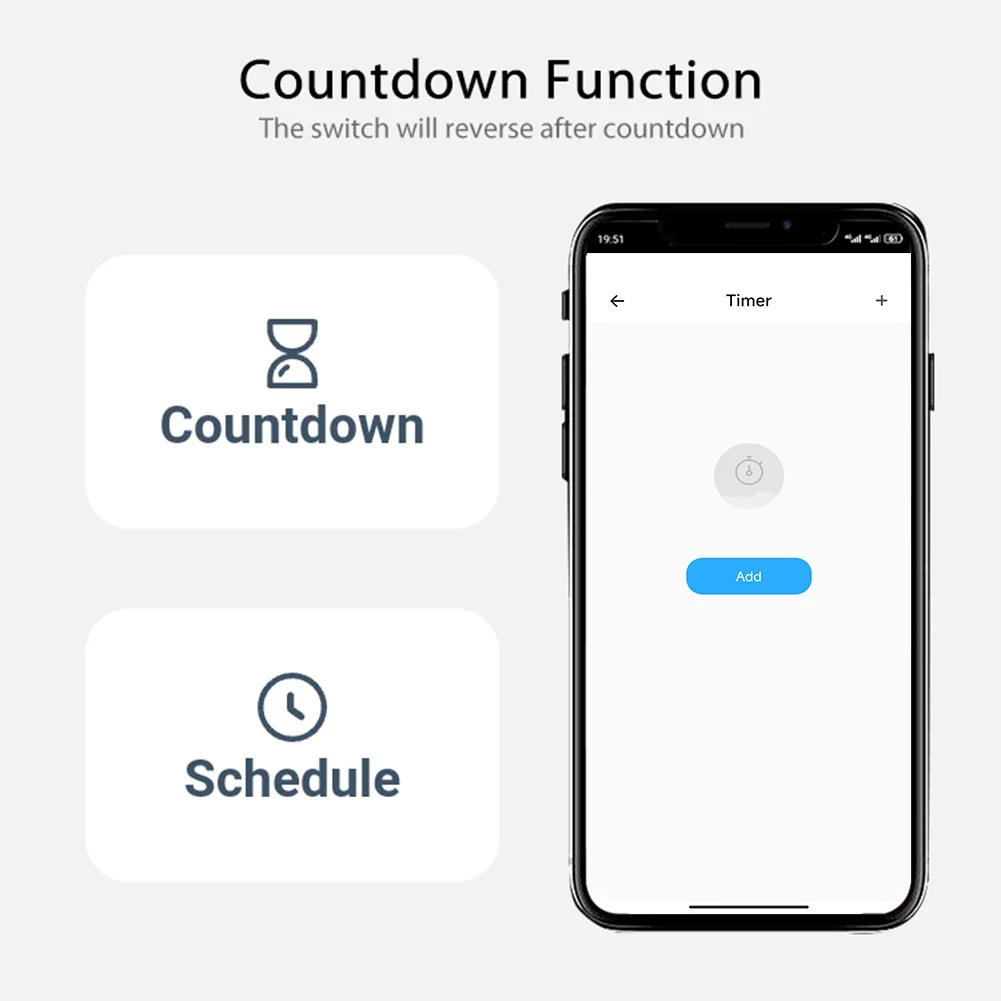
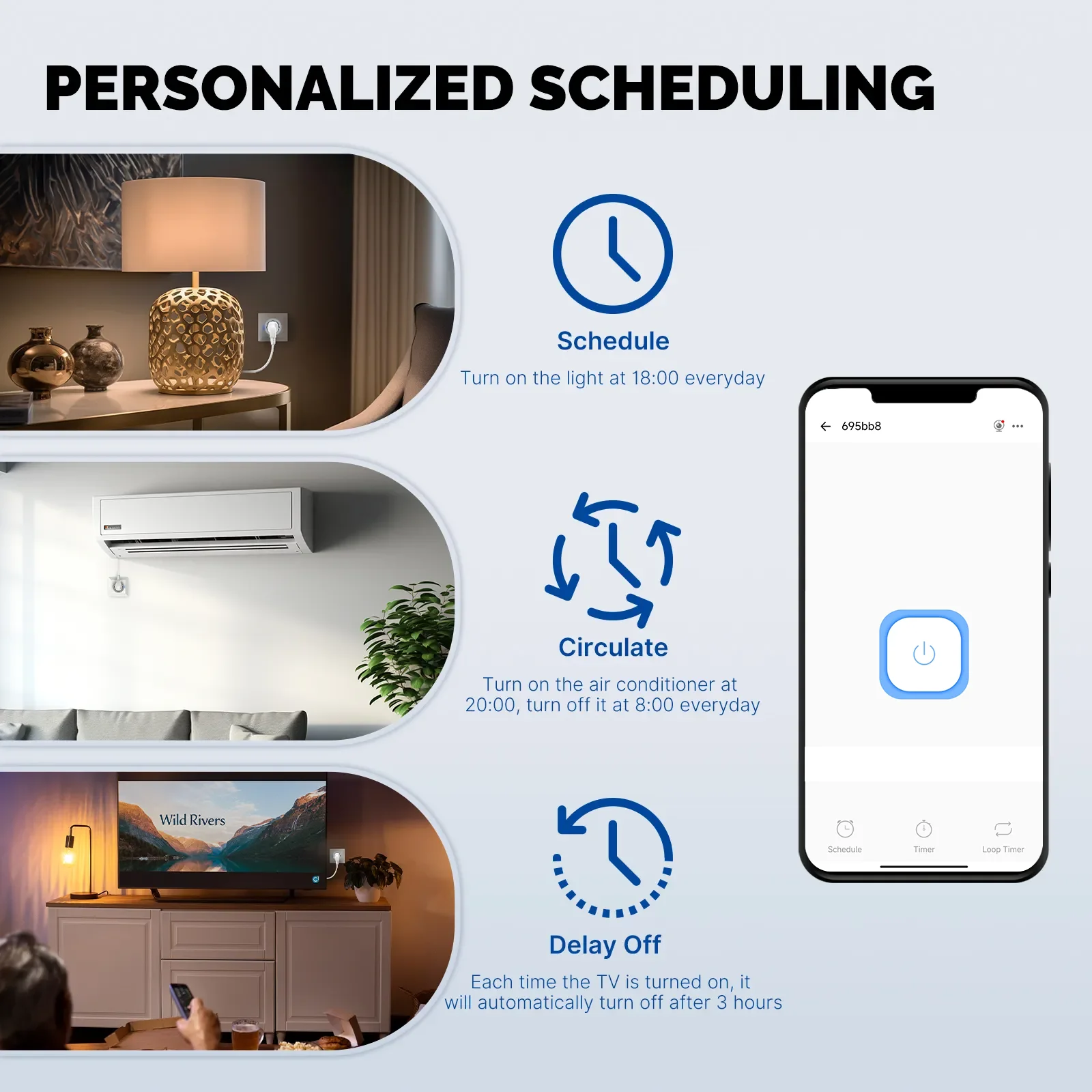
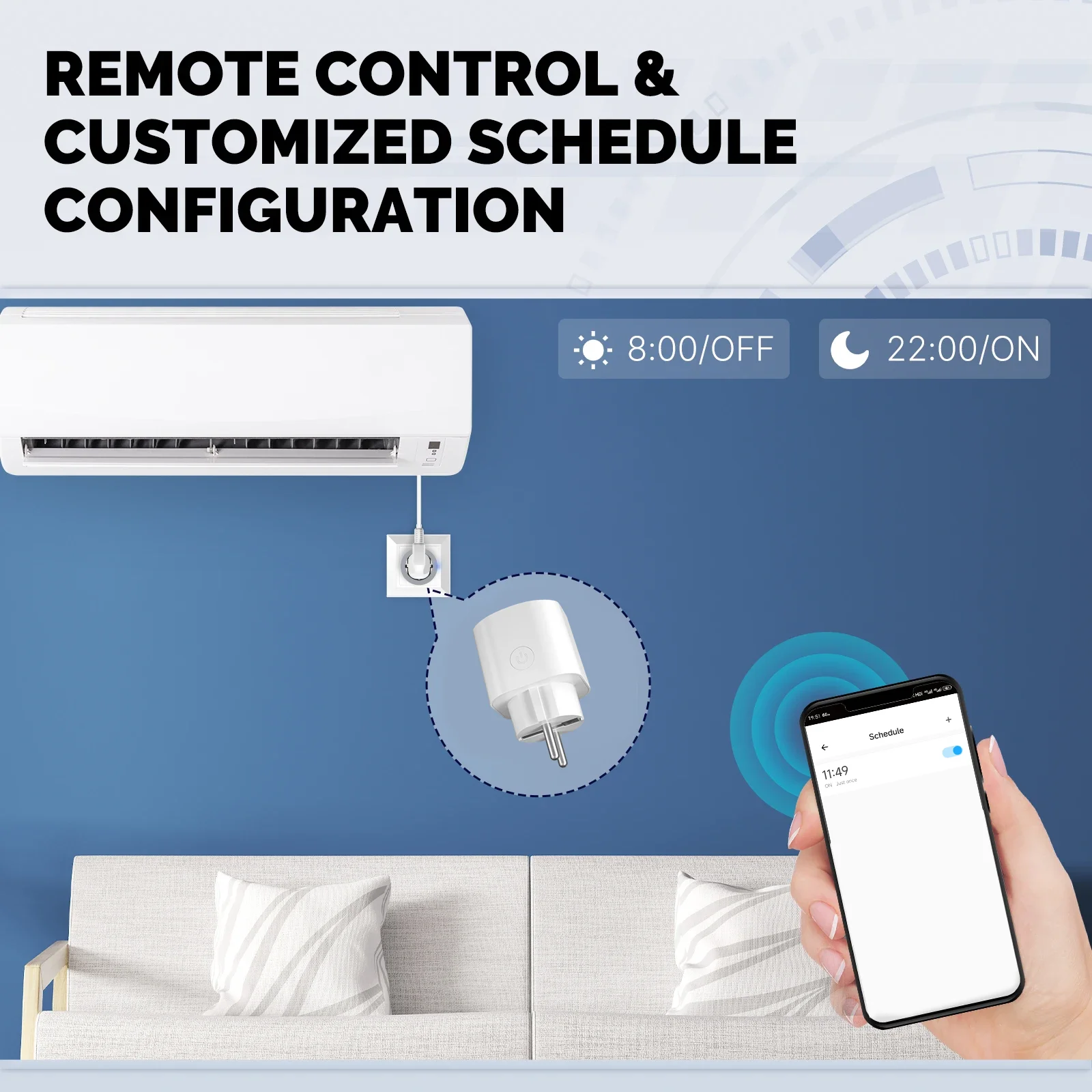
Features 3:Timing/Countdown/Schedule
You can set a countdown for humidifiers,microwaves,coffee machines and more,The device will stop automatically.Don't worry about the device working all the time.
Features 4:Sharing&Group Control
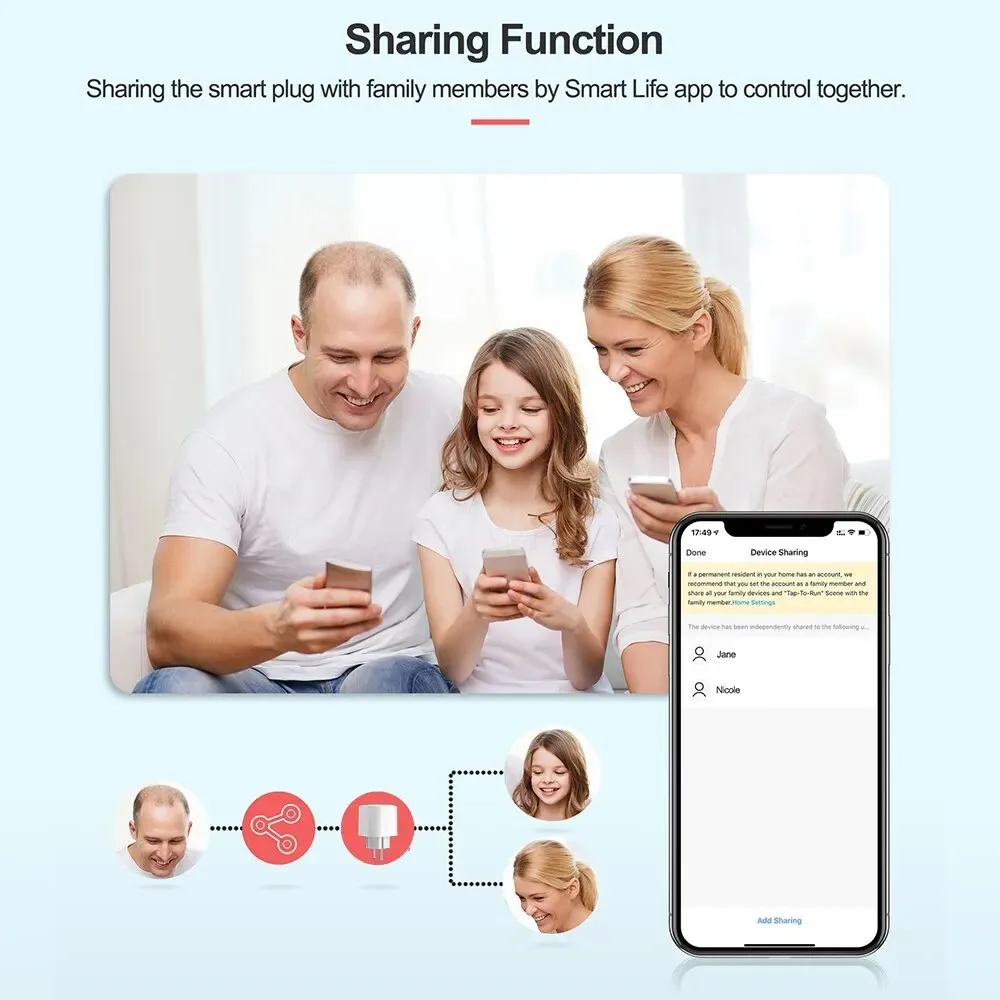
One-tap to share the smart plug with your family member by the app to eliminate extra setup processes.Main account has the exclusive permissions,one click to share eht permissions with the whole family.let the family enjoy the fun of smart life!

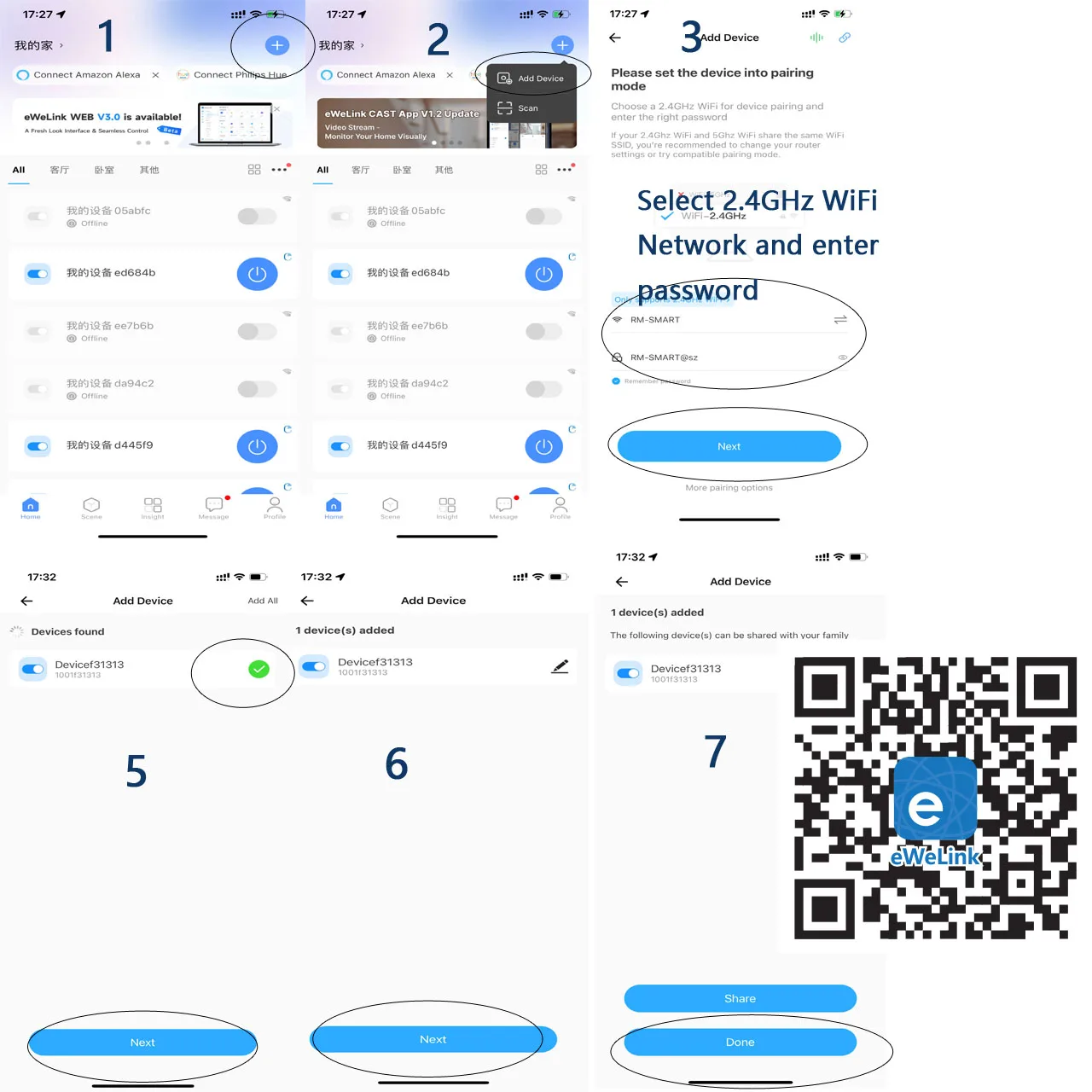
Just 3 Steps
Step 1: Search "eWeLink" on APP store, Google Play or scan the QR code on user manual to download and install it.
Step 2: Plug the socket into an AC outlet and long press master power button until the indicator light flash.
Step 3: Open "eWeLink App", discovery and add device in the app, and then finish configuration according to the guide.

Reviews
There are no reviews yet.